
AI Dispatch Integrations for ServiceTitan, Jobber, HouseCall Pro, Salesforce, and More
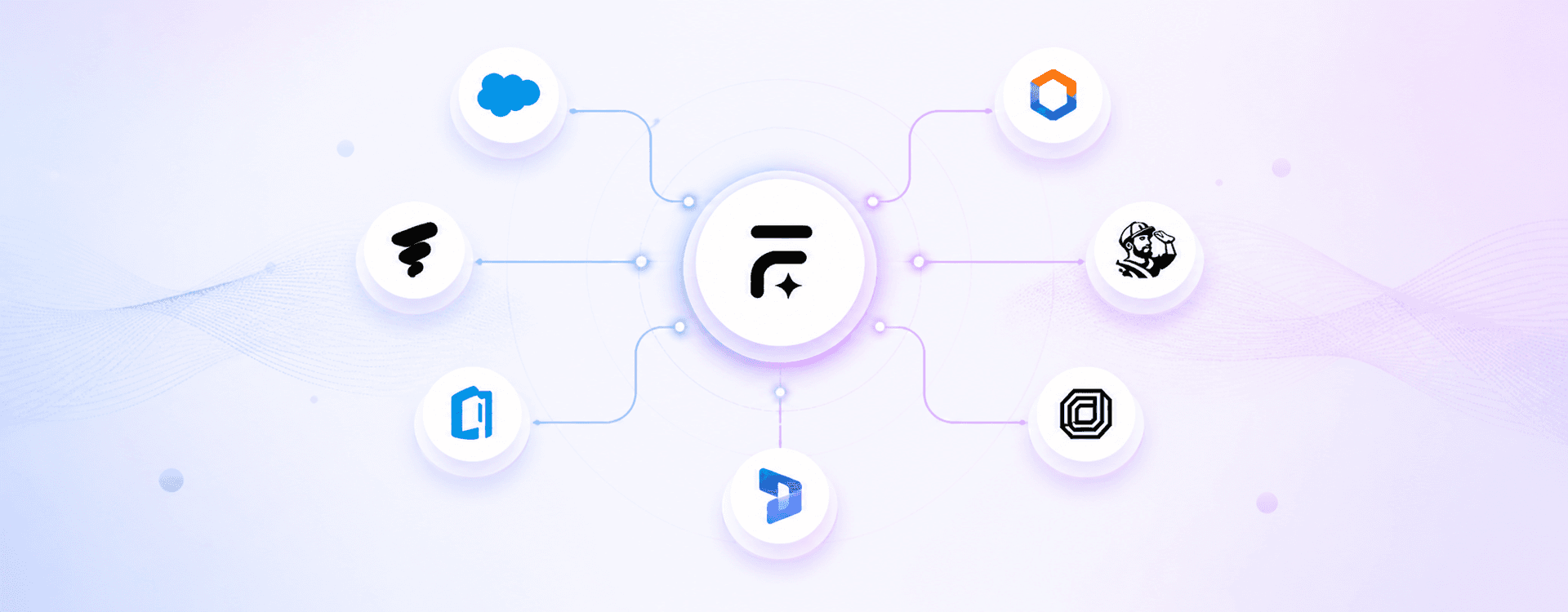
FieldCamp AI Dispatcher connects to the platforms that run field service, CRM, and property management today. One-click OAuth. Real-time two-way sync. No data migration. No rip and replace.
ServiceTitan
FieldCamp syncs with ServiceTitan jobs, techs, and schedules to run AI dispatch in real time — without changing how your HVAC, plumbing, or electrical crew already works.
Jobber
Add AI-powered dispatch to Jobber without replacing it. Auto-assigns and reroutes based on open jobs, tech locations, and client notes as the day shifts.
HouseCall Pro
HouseCall Pro handles your bookings. FieldCamp handles who goes where — syncing job status and technician location in real time so schedules stay accurate automatically.
ServiceTrade
Commercial MEP, fire protection, and life-safety contractors get AI dispatch that reads ServiceTrade work orders, asset histories, and inspection schedules to route the right tech every time.
Salesforce Field Service
Enterprise field service on Salesforce gets smarter routing without Salesforce Field Service Lightning complexity. FieldCamp pulls cases, assets, and service contracts to optimize dispatch.
MS Dynamics
Dynamics 365 stays your system of record. FieldCamp connects to work orders, resource pools, and territories to run AI dispatch on top — no migration, no reconfiguration.
Service Fusion
HVAC, plumbing, and electrical teams on Service Fusion get AI dispatch without switching software. Two-way sync keeps jobs, estimates, and schedules aligned as the day changes.
How the integration works
Three steps from signup to live AI dispatching. No engineering team required.
1
Connect
Go to Settings, Apps and Integrations inside FieldCamp. Pick your current software, authorize with OAuth or paste an API key. Setup usually takes under 15 minutes. No code, no sales call required.
2
Sync
Jobs, customers, technicians, schedules, invoices, and status updates start flowing both ways instantly. Whatever changes in FieldCamp shows up in your FSM within seconds, and the other way around.
3
Dispatch
The AI Dispatcher assigns the right tech to each job, reroutes when traffic or cancellations hit, and updates customers automatically. Your dispatcher stops firefighting and starts reviewing exceptions.
What syncs between FieldCamp and your field service software
Two-way sync on the data your dispatcher, techs, and back office actually use every day.
Your FSM is not listed? Build your own integration.
Any field service platform with a REST API, webhook, or CSV export can connect to FieldCamp AI Dispatcher. Drop in a few lines. Get real-time two-way sync. Our team helps with custom integrations in days, not quarters.
View API DocsThe Fastest Dispatch Setup You Will Ever Do
No data migration. No rebuilding your stack. Connect your current stack, let FieldCamp sync, and dispatch smarter by end of day.

Frequently Asked Questions
Does FieldCamp work with ServiceTitan
Yes. FieldCamp connects to ServiceTitan via OAuth in one click. Jobs, techs, schedules, and invoices sync both ways in real time. No data migration, no workflow changes on your ServiceTitan side.
Will I lose any data when I connect my software?
No. FieldCamp reads and writes to your existing FSM, it does not replace it. Your data stays in ServiceTitan, Jobber, or whichever platform you use. FieldCamp sits on top as the dispatch layer. Check out AI Dispatch Integration documentation for more info.
Does FieldCamp do two-way sync or one-way?
Two-way, always. Changes made in FieldCamp push to your field service management. Changes made in your FSM pull back to FieldCamp. Both systems stay in sync in real time.
My field service software is not on the list. Can I still connect?
Yes. Any platform with a REST API, webhook, or CSV export can connect to FieldCamp. Our team handles custom integrations, typically within a few days.
Can I disconnect the integration if I want to stop using FieldCamp?
Yes. You can revoke access from OAuth settings at any time. Your data remains in your FSM exactly as it was.