facebook-pixel
Field ops on autopilot →AI Dispatcher → 1:1 demo

Effortless File Management for Field Teams

Upload once, and FieldCamp handles the rest. AI organizes, tags, and connects every document to the right job or client — no sorting, no searching, no limits.
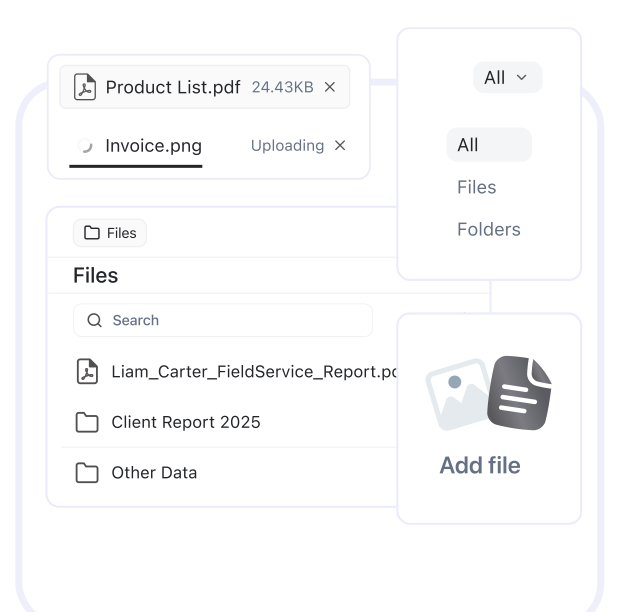
File management dashboard showing an active file upload area with two files in progress — Product List.pdf (24.43KB, ready) and Invoice.png (currently uploading) — along with a folder sidebar containing a "Files" section with search functionality, listing files including "Liam_Carter_FieldService_Report.pdf," "Client Report 2025," and "Other Data," plus an "Add file" button with upload icon on the right panel.

Trusted by

strtatum logo
fieldcamp-trusted-logo-2
fieldcamp-trusted-logo-3
fieldcamp-trusted-logo-4
fieldcamp-trusted-logo-5
strtatum logo
fieldcamp-trusted-logo-2
fieldcamp-trusted-logo-3
fieldcamp-trusted-logo-4
fieldcamp-trusted-logo-5

Organize Files Automatically, Access Instantly, Work Seamlessly

Instant File Upload

Upload photos, invoices, and documents from the field or office. FieldCamp links them to the right job or client without manual sorting or setup.
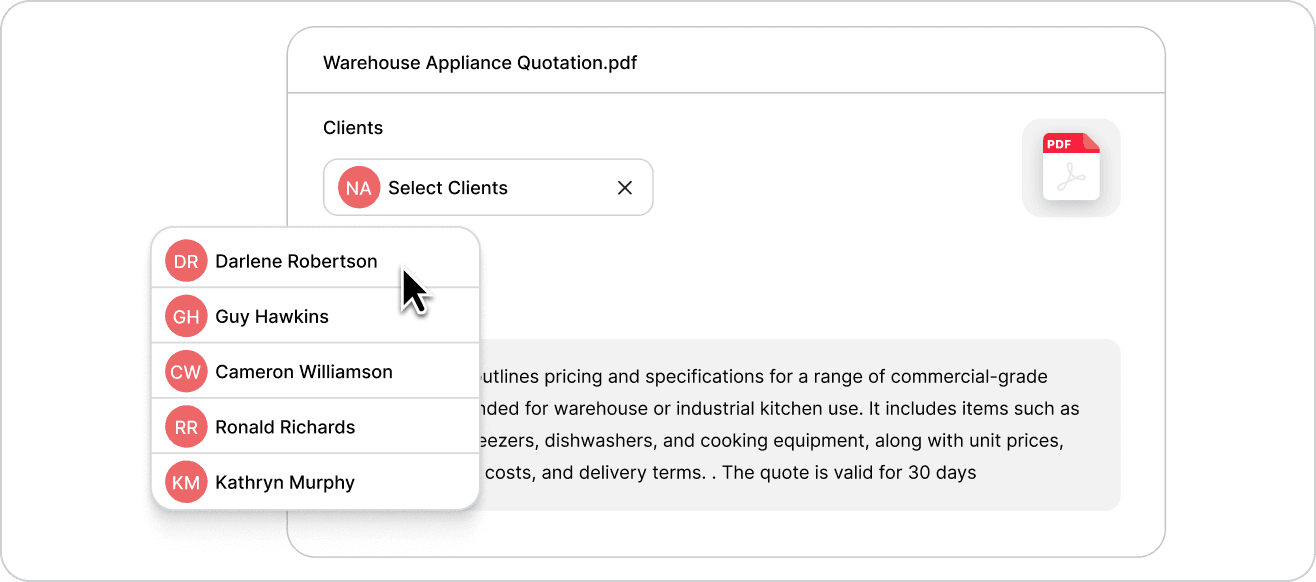
File details view for "Warehouse Appliance Quotation.pdf" displaying a client selection dropdown with five team member options — Darlene Robertson (DR), Guy Hawkins (GH), Cameron Williamson (CW), Ronald Richards (RR), and Kathryn Murphy (KM) — alongside a PDF preview and document summary describing warehouse appliance pricing and specifications.

AI-Powered Organization

Our AI identifies file type, content, and context — then auto-sorts everything into the right folders for jobs, contracts, or projects.
File details view for "Warehouse Appliance Quotation.pdf" displaying a client selection dropdown with five team member options — Darlene Robertson (DR), Guy Hawkins (GH), Cameron Williamson (CW), Ronald Richards (RR), and Kathryn Murphy (KM) — alongside a PDF preview and document summary describing warehouse appliance pricing and specifications.

Zero Storage Limits

Store every photo, contract, and report you’ll ever need. FieldCamp gives your team limitless storage with lightning-fast access on any device.
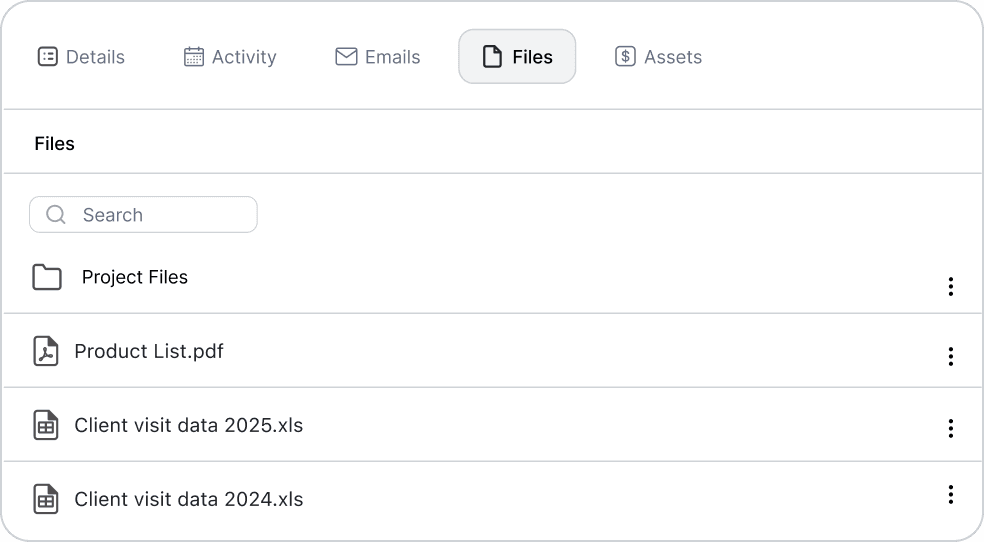

Job detail tabs showing Details, Activity, Emails, Files (selected), and Assets sections, with a Files panel containing a search bar, "Project Files" folder, and three documents: Product List.pdf, Client visit data 2025.xlsx, and Client visit data 2024.xlsx, each with action menu options.
ai-builder-service-cta-new

When File Chaos Turns Into Control

See how AI-powered file management transforms cluttered folders into organized, searchable systems your entire team can rely on.

Scattered and Confusing

checked dotted path

Files buried in email threads and chat history

checked dotted path

Hours wasted searching for job files

checked dotted path

Duplicate uploads and lost attachments

checked dotted path

No clear record of versions or owners

fsm box img

Organized and Effortless

checked dotted path

Centralized dashboard for every document and photo

checked dotted path

Find any file in seconds with smart search filters

checked dotted path

One upload auto-linked across clients and jobs

checked dotted path

Complete history and version control in one place

One System for Every File You Need

FieldCamp connects files from the field to the office, making uploads, edits, and access effortless across your team — no confusion, just clarity and speed.

AI That Organizes for You

Every file is auto-mapped to the right customer or job, saving hours of manual sorting.
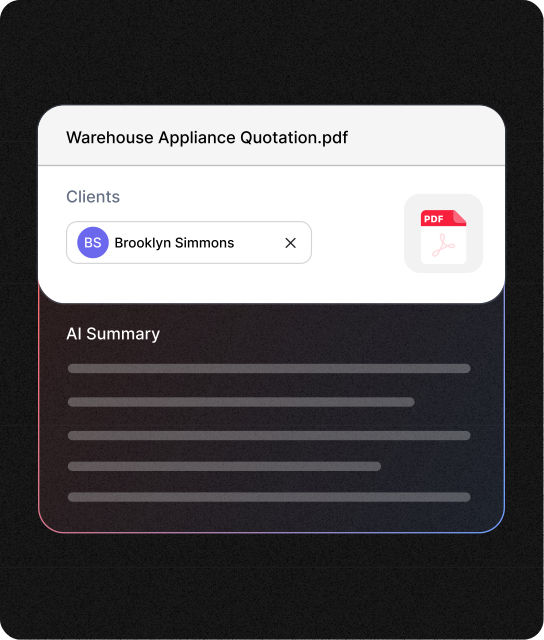
Document detail card for "Warehouse Appliance Quotation.pdf" with Brooklyn Simmons assigned as client, showing a PDF preview icon and an "AI Summary" section with loading skeleton bars indicating intelligent document analysis is in progress.

Collaboration Without Confusion

Your office and field teams always work from the same file version, updated in real time.
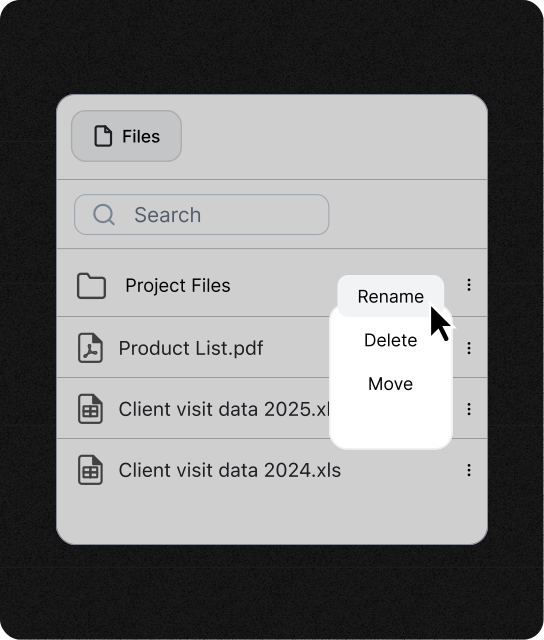
Files list with a right-click context menu displaying three action options — Rename, Delete, and Move — providing quick access to file management operations for Product List.pdf and associated spreadsheets.

Search That Works Instantly

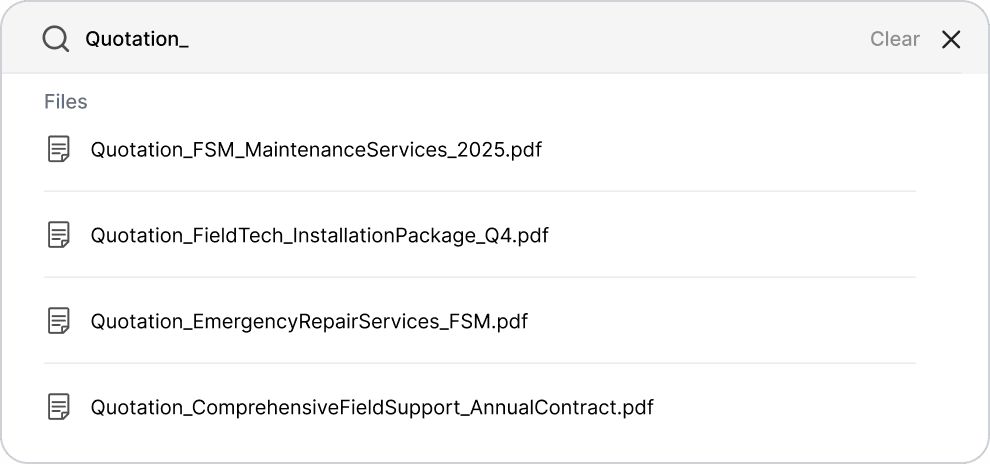
Filter by file name, job, or date — FieldCamp finds what you need before you finish typing.
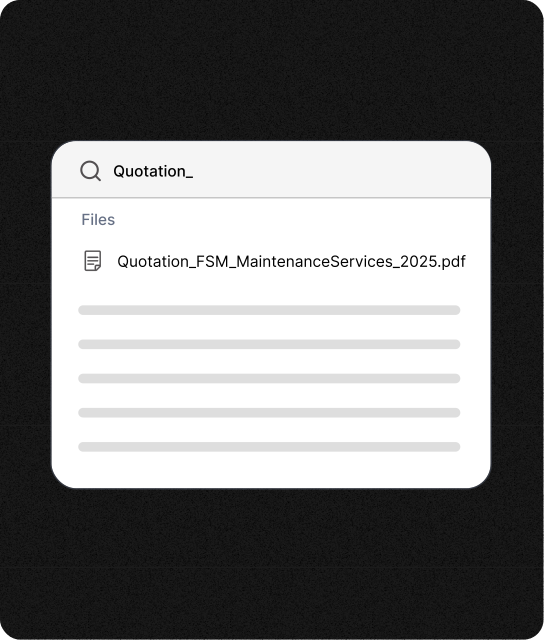
Search interface for "Quotation_" showing the first matching file (Quotation_FSM_MaintenanceServices_2025.pdf) with AI-generated preview lines below, demonstrating intelligent document indexing and content preview capability.

Unlimited Storage, No Stress

Keep every photo, blueprint, and invoice forever. FieldCamp never caps your storage or charges extra.
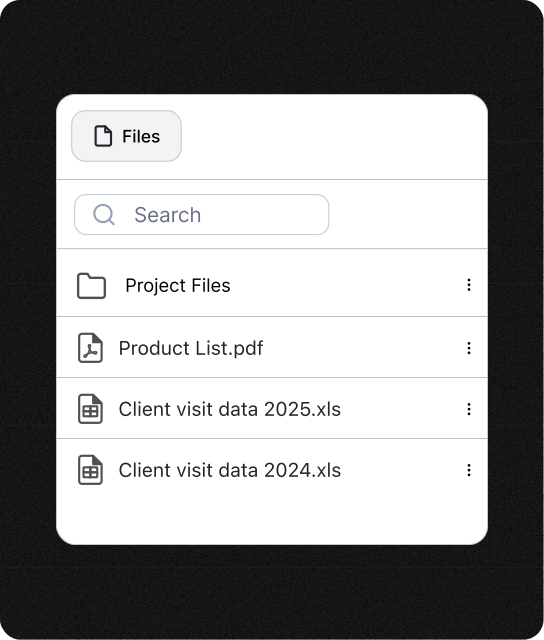
Clean file management interface showing the Files section with search bar and organized document structure including Project Files folder, Product List.pdf, Client visit data 2025.xlsx, and Client visit data 2024.xlsx ready for access and management.

Trusted by Field Teams Everywhere

Real professionals use FieldCamp to stay organized, eliminate file stress, and keep their jobs moving smoothly.

Before FieldCamp, I spent hours digging through folders for photos and invoices. Now, everything’s just there — perfectly organized and easy to find.

James

Window Cleaning Technician, Phoenix AZ

Losing a blueprint used to cost us days. Now, every file syncs instantly between the field and office — no more ‘Can you resend that?’ moments.

Mitchel

Construction Project Manager, Dallas TX

I manage hundreds of seasonal project photos. FieldCamp sorts them automatically by client and site. Unlimited storage is just the cherry on top.

Claire

Landscape Designer, Seattle WA

Frequently Asked Questions

Unlock efficient growth with one platform that automates scheduling, routing, enrichment, and intent workflows.

What is field service file management software?

It’s a centralized system that stores, sorts, and links your field documents automatically. FieldCamp’s file management uses AI to tag files by job or client so you never waste time searching.

How does AI-powered document organization work in FieldCamp?

FieldCamp’s AI reads file content and context to identify which client or job it belongs to, organizing everything instantly — without folders or manual renaming.

Can I access files from mobile devices in the field?

Yes. FieldCamp’s mobile app lets technicians upload, view, and share files from job sites.

What file types can I store in FieldCamp?

You can store PDFs, photos, videos, Word docs, spreadsheets, and even CAD drawings. There’s no limit to file type or size — every file uploads fast and stays secure.

Is storage really unlimited?

Yes. FieldCamp offers unlimited storage on all plans. Upload any number of files without worrying about space limits, compression, or overage fees.

Your Files, Finally Organized Right

Experience AI-powered file management that actually works the way your field team does — faster uploads, smarter search, zero storage worries.

cta flower path