

Multi-Day Job Scheduling Software for Field Service Teams
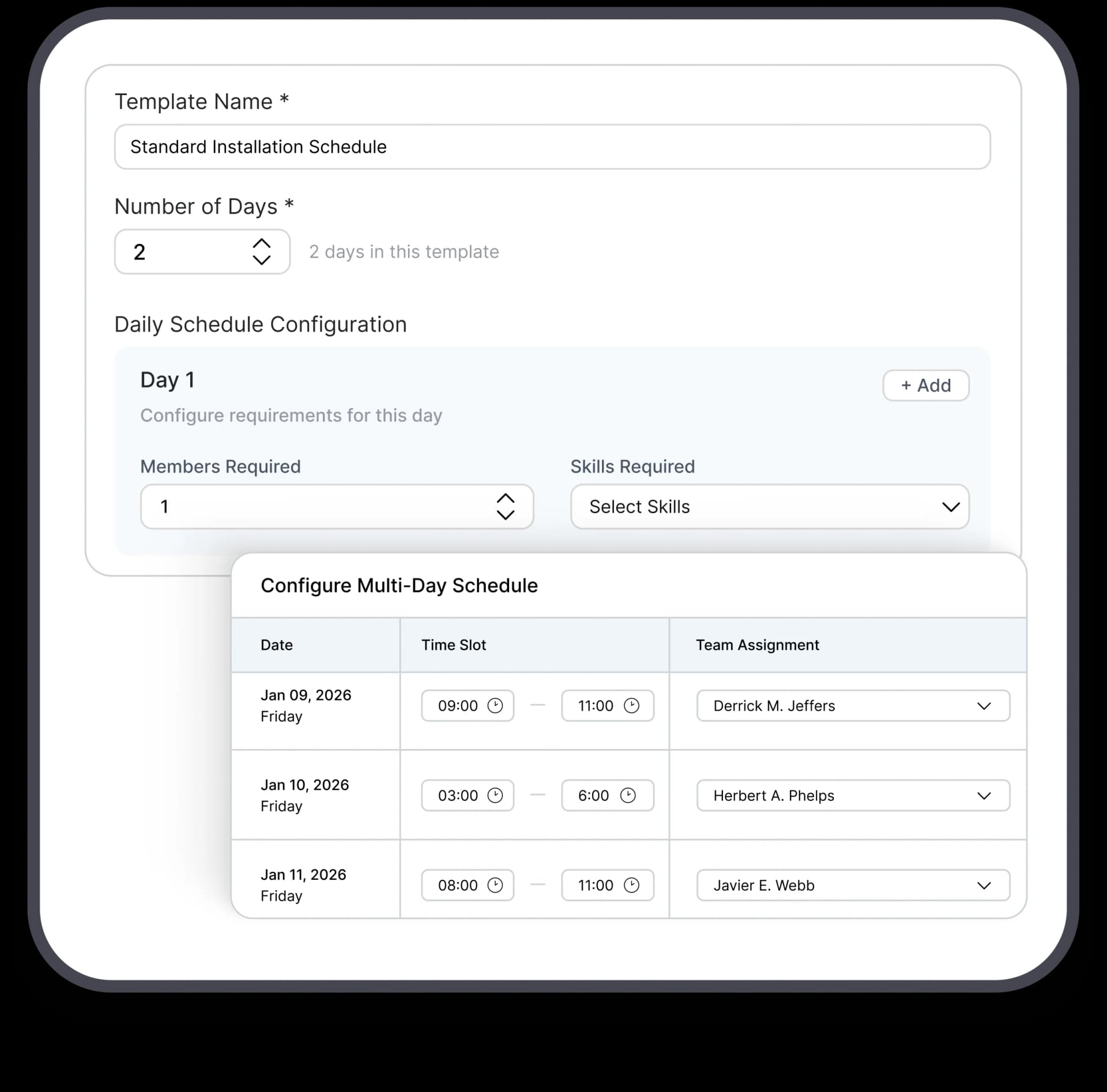
Your 5-day project shouldn’t take 5 separate calendar entries. FieldCamp’s multi-day job scheduling lets you build job templates with skills, duration, and crew assignments, then schedule the entire project with ease.
Trusted by





Why Teams Trust FieldCamp for Multi-Day Job Scheduling
Job Templates for Multi-Day Projects
Create reusable job templates with default durations, day-by-day task labels, and required skills for each phase. Set it up once, like spray foam on Day 1, blown-in fiber on Day 2, cleanup on Day 3, and use it every time you schedule similar projects.
Lock Your Crew for the Entire Project
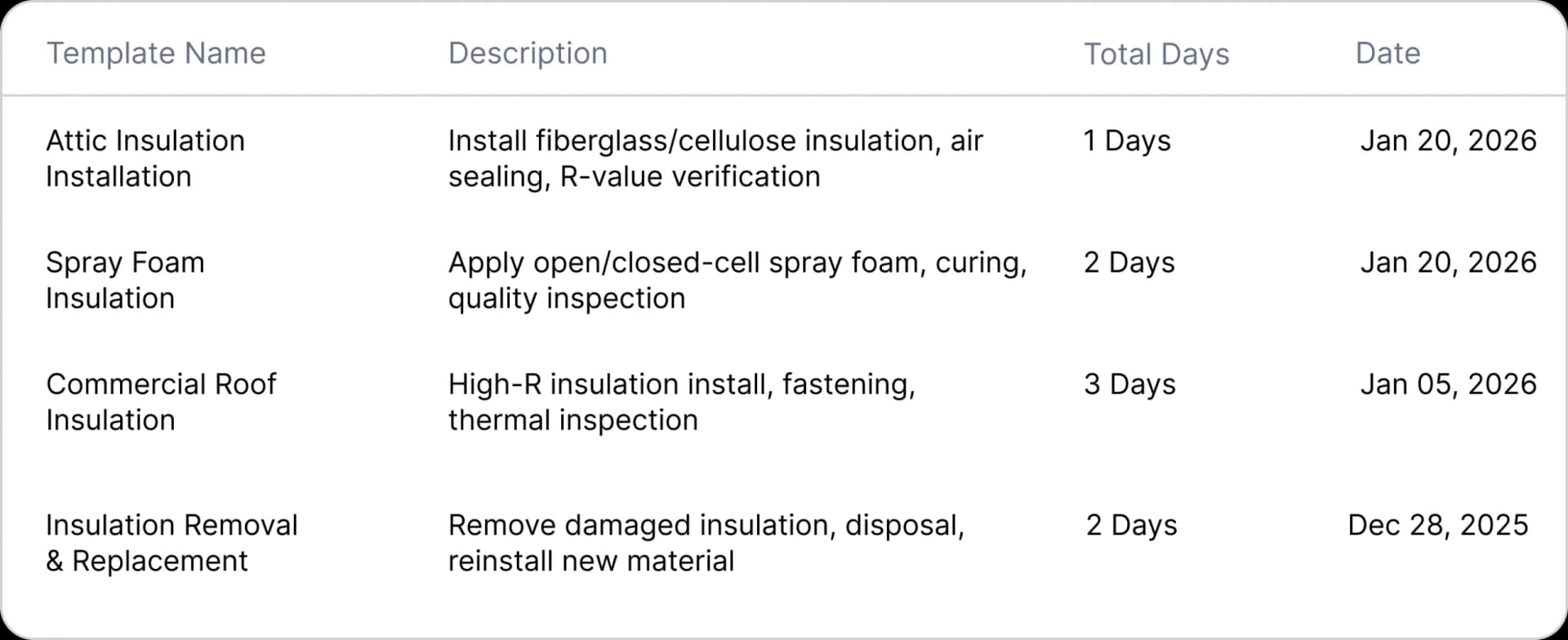
When you assign a crew to a multi-day job, FieldCamp locks their availability across the entire duration. No double-bookings. No, “I thought they were free Thursday.” The crew is committed from Day 1 to the final walkthrough.
AI-Powered Scheduling
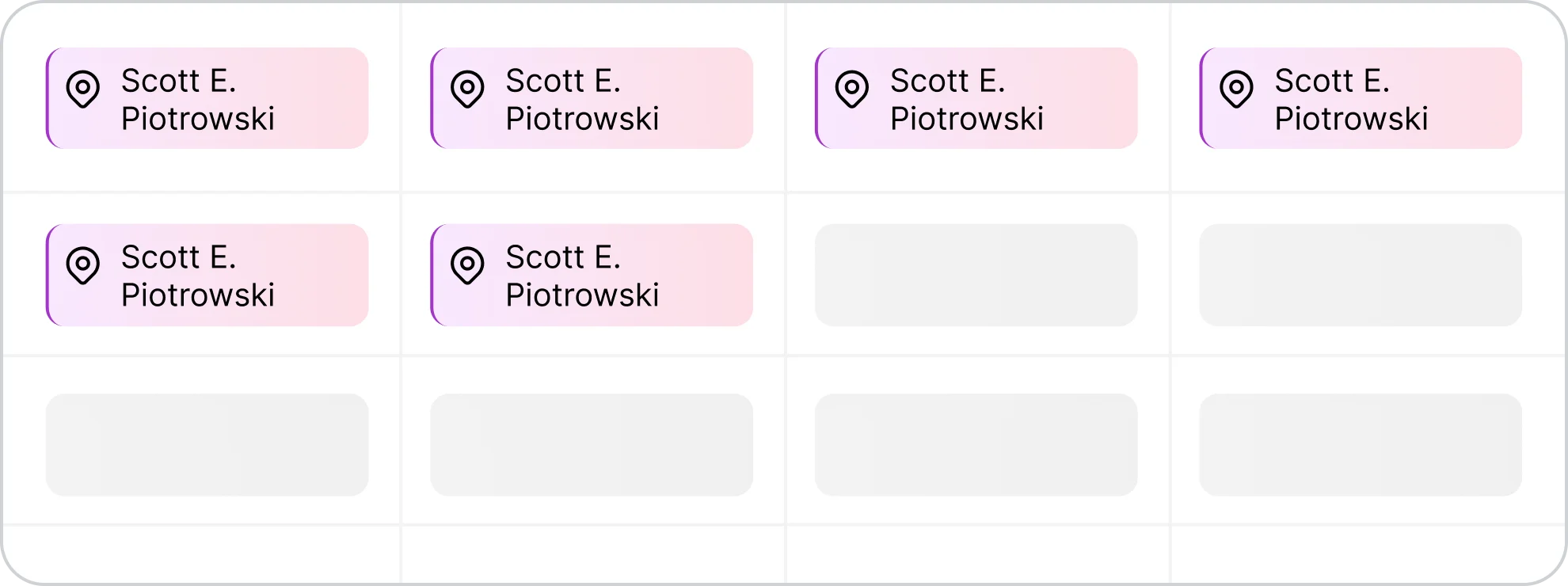
Click “Let AI Find the Best Time,” and FieldCamp scans crew skills, consecutive-day availability, equipment, and travel distance. You get ranked suggestions like Best Match, Alternative 1, and Alternative 2, based on what actually works, not just open slots.

See What Changes with Connected Multi-Day Scheduling
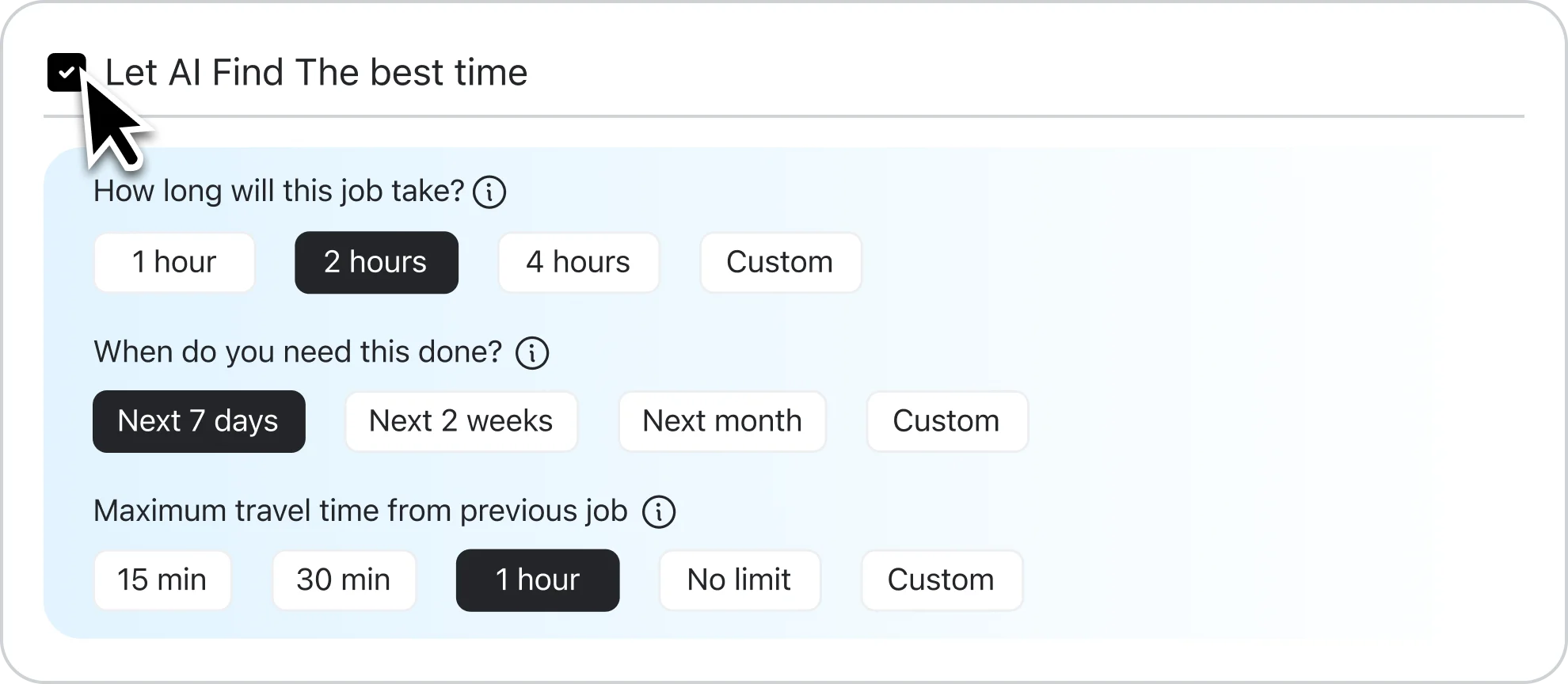
Without multi-day job templates, you’re managing separate appointments. With FieldCamp, you’re managing one connected project.
Manual Multi-Day Scheduling

Create each day as a separate appointment
Manually track which crew is assigned to which day
Reschedule each day individually when plans change
Piece together invoices from multiple job records

FieldCamp Multi-Day Job Templates
One job template creates all visits automatically
Crew locking keeps your team assigned across all days
Move the start date, and every connected visit shifts together
Single invoice for the complete multi-day project
What Else FieldCamp’s Multi-Day Scheduling Can Do
Job templates, crew locking, and day-by-day tracking, plus the flexibility to handle changes without starting over.
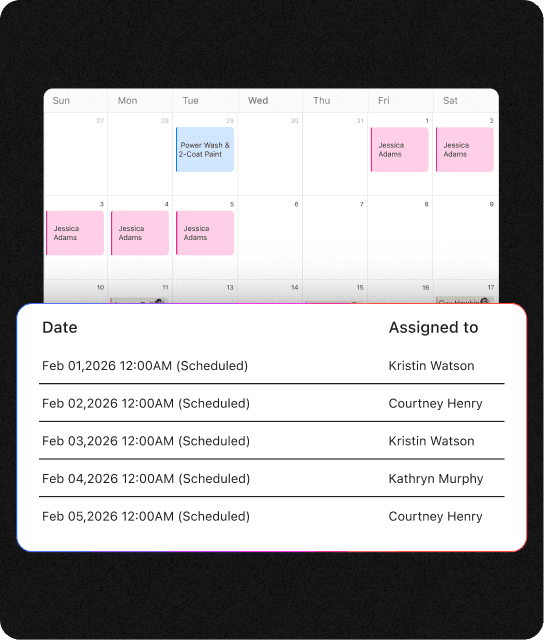
Every Day Tracked, Everything Linked
FieldCamp creates individual visits for each day, so you can track arrival times, hours, notes, and expenses per day, while keeping everything linked to the same job. Daily detail. Project-level visibility.
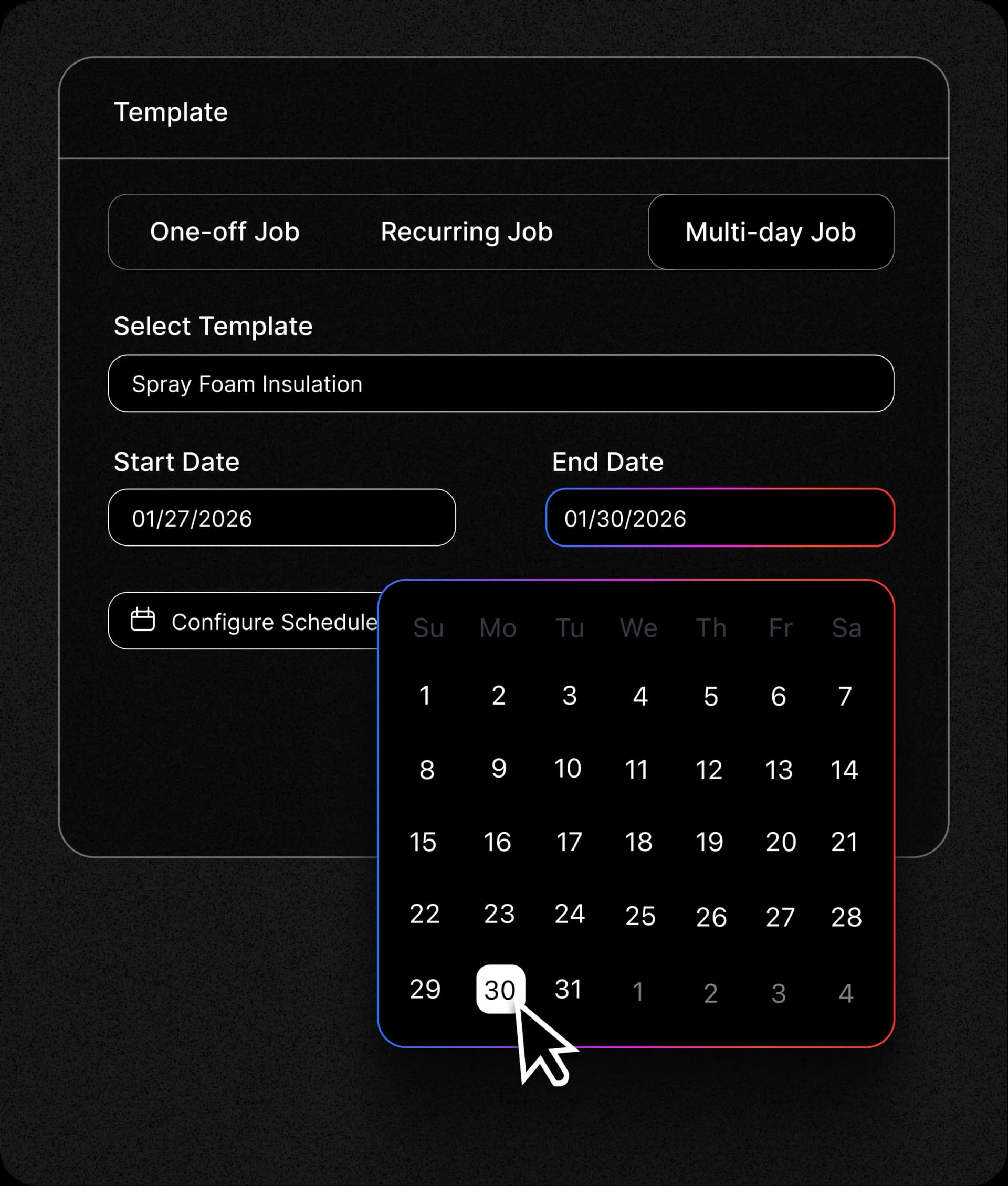
Extend or Shorten Duration Anytime
Project scope changed? Edit the end date, and FieldCamp adds or removes visits automatically. Crew assignments and connections stay intact.
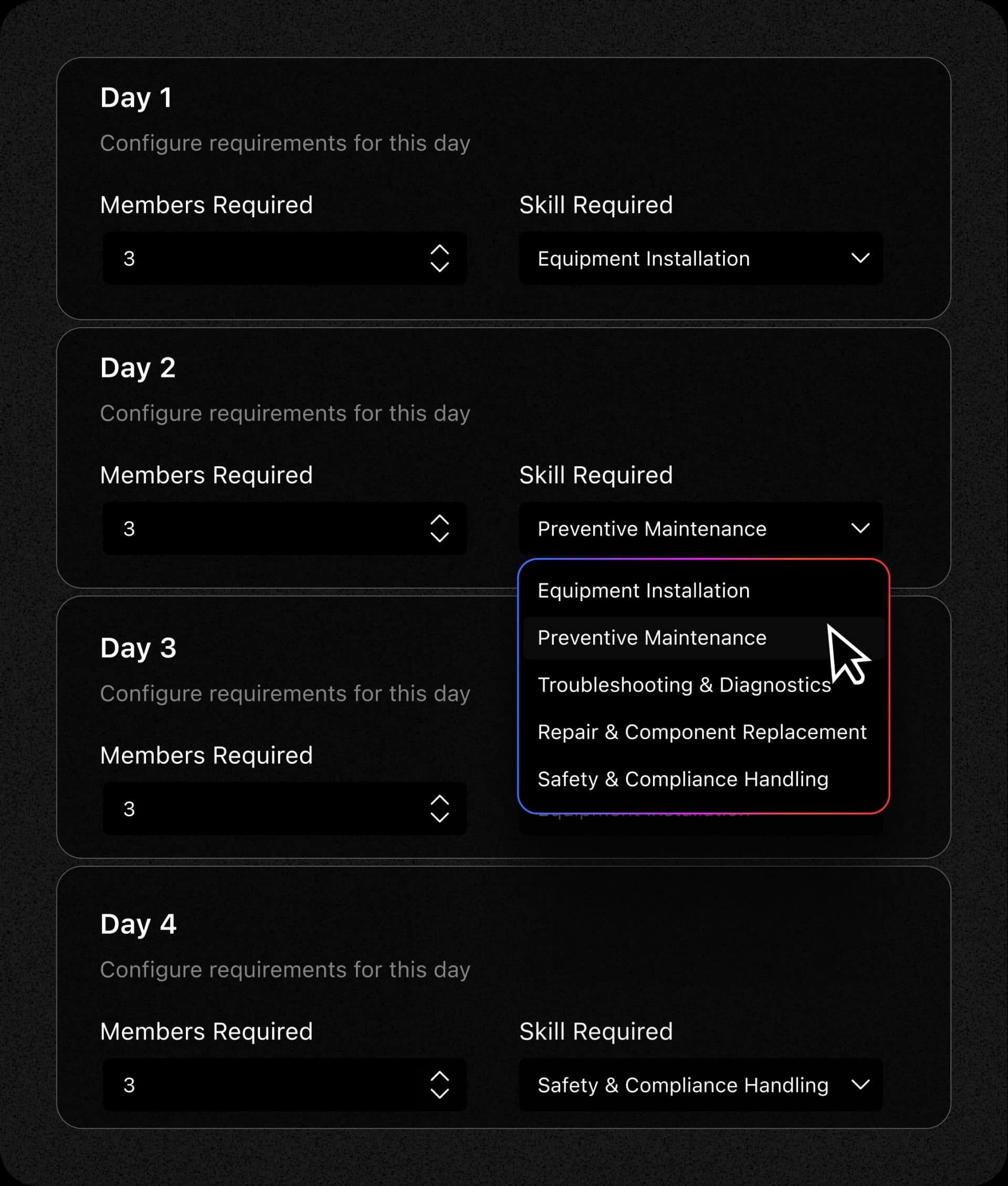
Skill-Based Scheduling
Assign different skill requirements to different days within the same job template. Need a Lead Installer on Day 1 and an Attic Specialist on Day 3? Set it in the template, and AI matches accordingly.
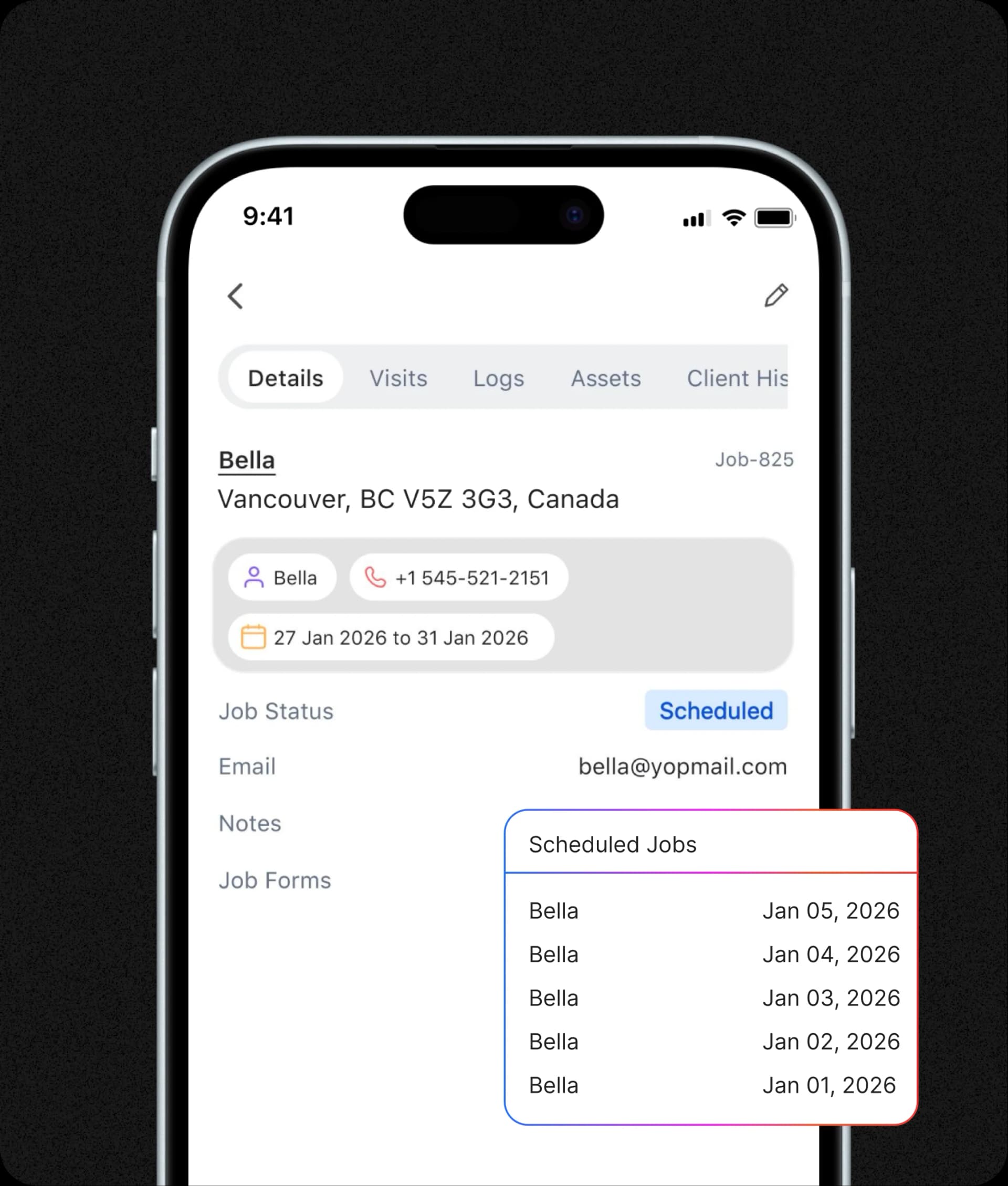
Full Project View for Field Teams
Your crew sees “Day 2 of 4: Johnson Insulation Project” on their mobile app. Full job details, all scheduled days, previous notes, everything they need to show up prepared.
Frequently Asked Questions
What are multi-day job templates?
Job templates let you pre-configure multi-day projects with default durations, day-by-day task labels, and skill requirements. When you schedule a new job, select the template, and FieldCamp builds out every visit automatically.
What is crew locking?
When you assign a crew to a multi-day job, FieldCamp marks them as unavailable for the entire project duration. Other jobs can’t book them during those days, preventing double-bookings and scheduling conflicts.
How does AI-powered scheduling work for multi-day jobs?
Click “Let AI Find the Best Time” and FieldCamp analyzes crew skills, consecutive-day availability, equipment needs, and travel logistics. It returns ranked scheduling options that actually fit your requirements.
Can I track each day separately?
Yes. Each day has its own visit record for tracking hours, notes, expenses, and arrival/departure times. But all visits stay connected to the same job for unified invoicing and project visibility.
What happens if the project duration changes?
Edit the end date. FieldCamp automatically adds or removes visits while keeping crew assignments and existing data intact.
This Is How Leading Teams Schedule Multi-Day Projects
Learn how teams are saving hours every week with job templates, crew locking, and AI-powered scheduling.
