
How AI Dispatching Thinks: The Decision Framework Behind Every Assignment
Invalid Date - 13 min read


Invalid Date - 13 min read

Table of Contents
When AI skips the closest technician and picks someone farther away, it’s not broken; it’s thinking ahead. Maybe the closer tech is overloaded. Maybe the farther has a better success rate for this job type. Maybe sending the closest tech would cause overtime or a missed appointment later. AI sees the whole day at once. Dispatchers see one job at a time. That’s why AI dispatch sometimes makes choices that feel wrong but turn out right.
Your AI dispatcher just assigned Tech #3 to an emergency call instead of Tech #1, who’s closer. Before you override it, here’s what happened behind the scenes.
AI dispatching decision framework is a multi-dimensional scoring system that evaluates every possible technician-job pairing across competing priorities like skill match, travel efficiency, workload balance, and SLA risk.
Human dispatchers juggle 10-20 variables when assigning jobs. AI evaluates 200-400+ simultaneously, skills, certifications, real-time GPS, traffic, SLA windows, workload balance, weighing trade-offs that would take humans hours to calculate.
Understanding how AI thinks (not just what it does) builds trust in the system and reveals when to override it. This article shows you exactly how the system evaluates trade-offs, balances priorities, and makes judgment calls that mirror and often surpass human dispatcher reasoning.
AI calculates a composite score across multiple dimensions simultaneously, then selects the assignment with the highest overall score. Each dimension has a configurable weight based on your business priorities.
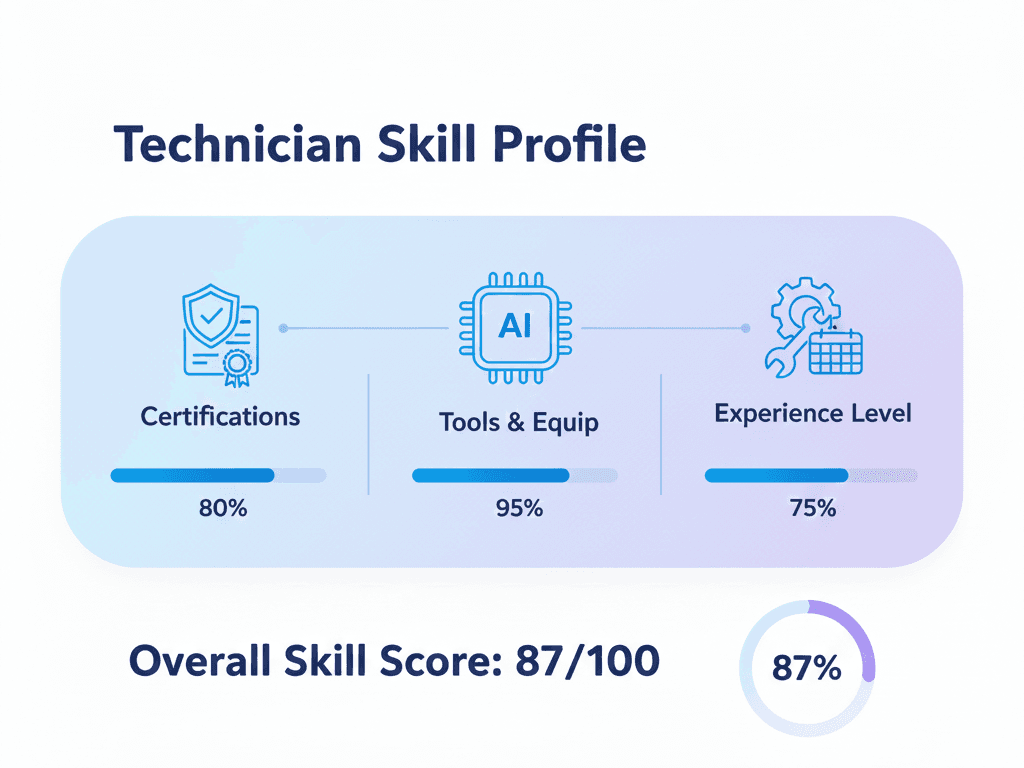
1. Skill Match Strength
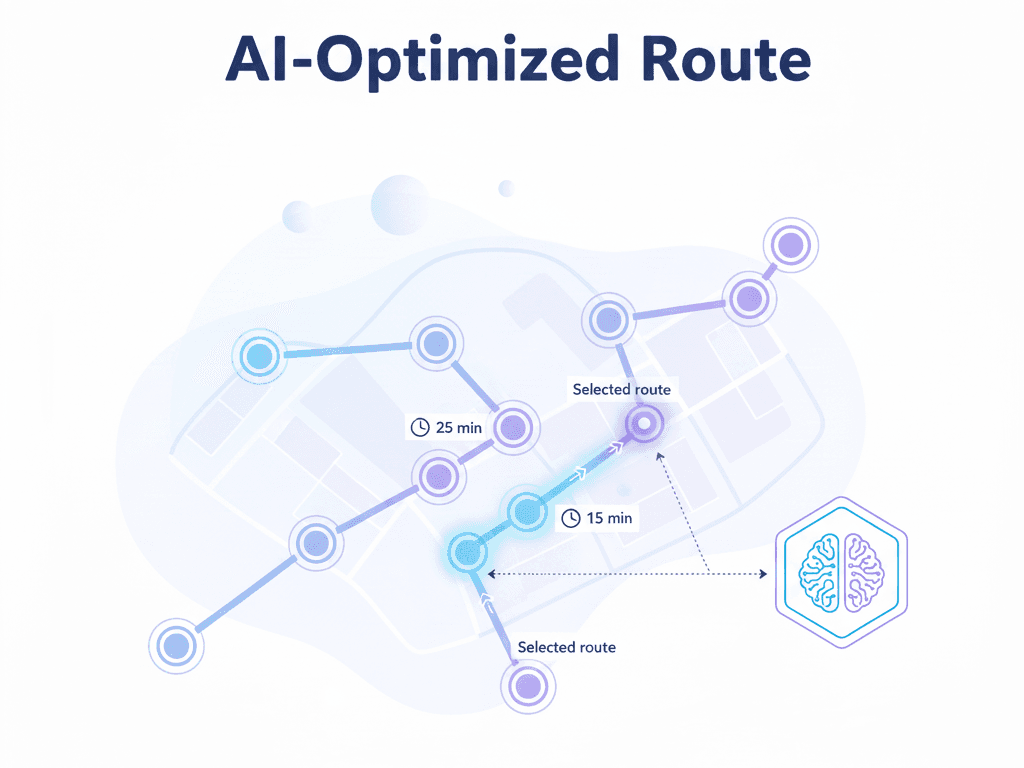
2. Travel Efficiency
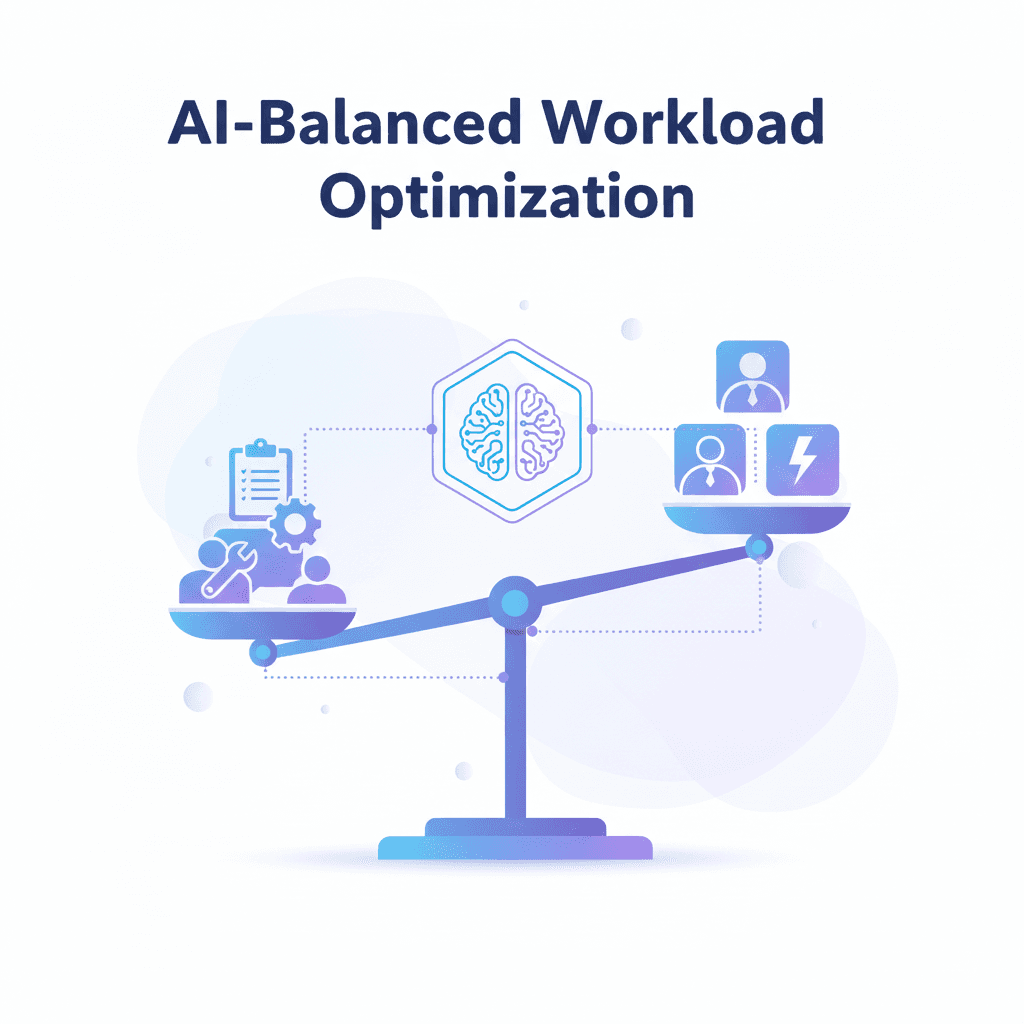
3. Workload Equity
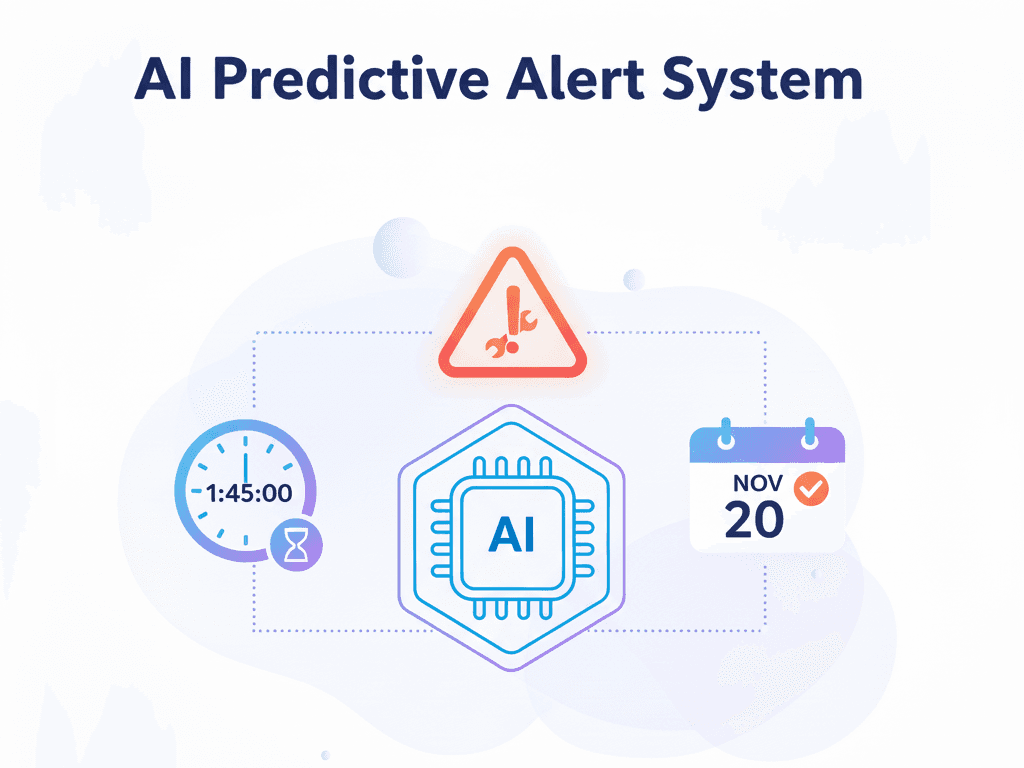
4. SLA Risk
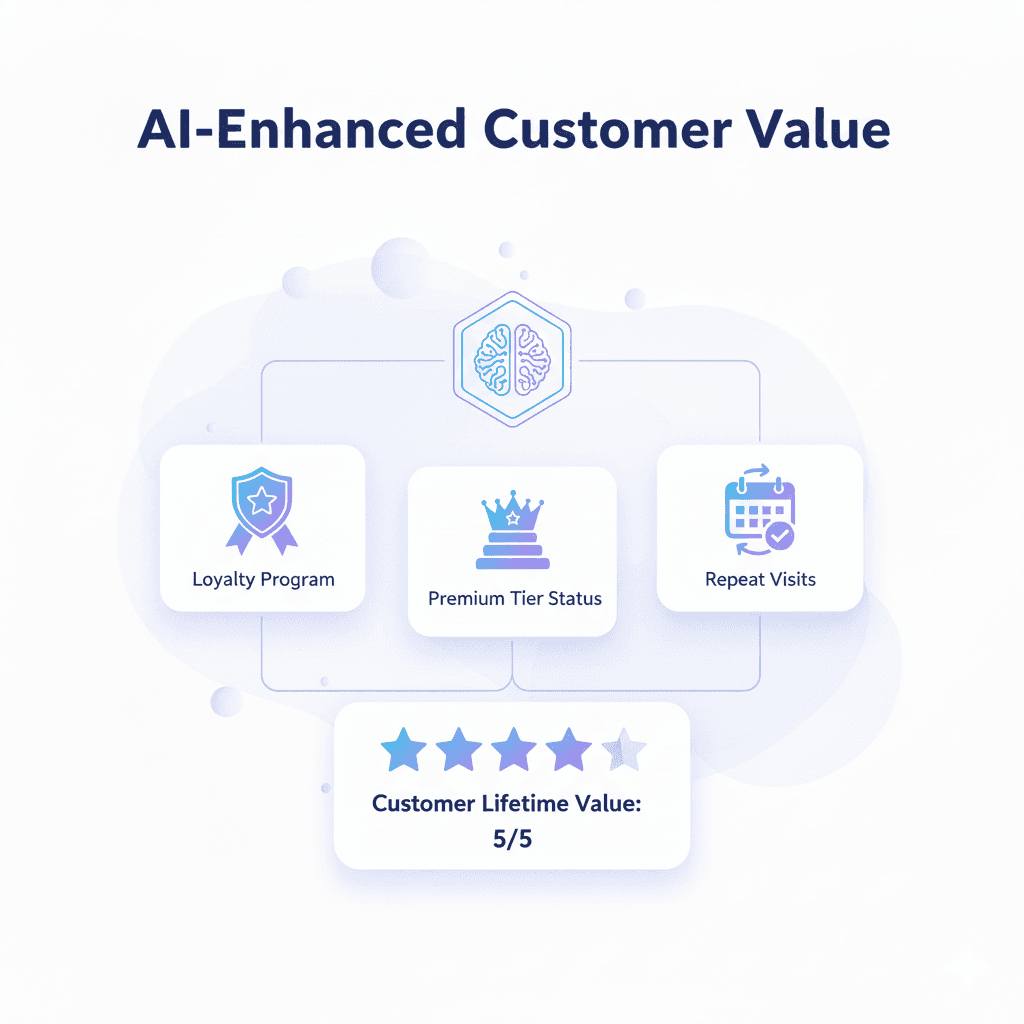
5. Customer Value
6. Technician Preference
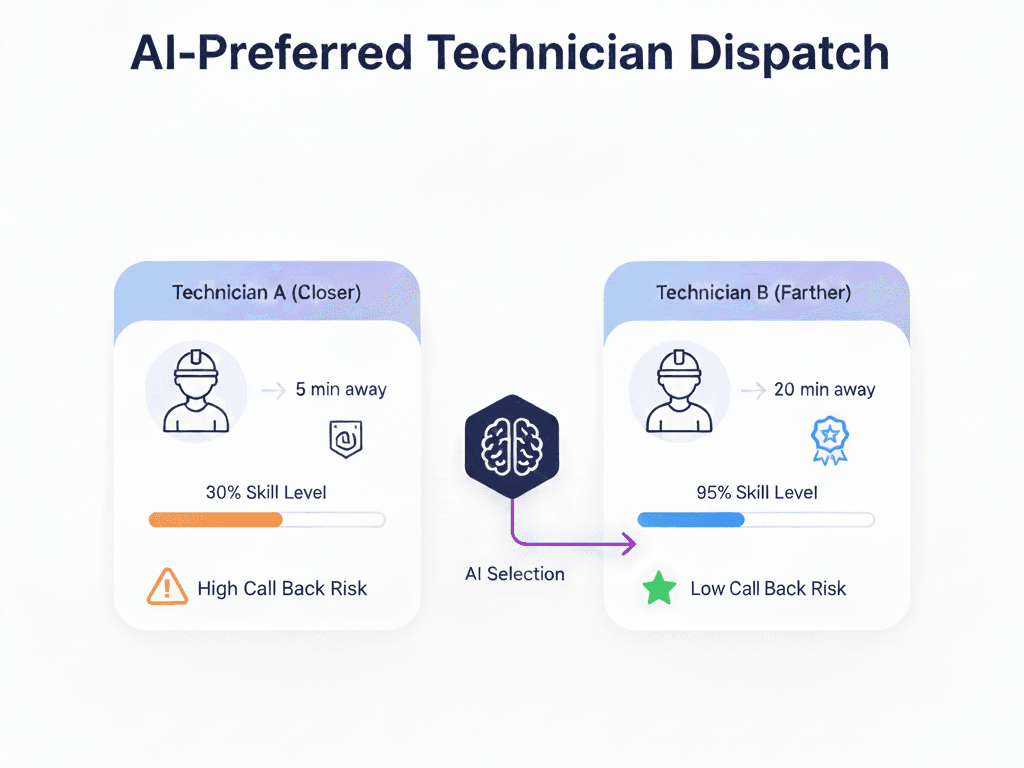
Situation: Commercial plumbing leak arrives at 11 AM. Three technicians are available.
| Technician | Distance | Skills | Jobs Today | Customer History |
| Tech #1 | 6 min | General plumbing | 6 jobs | No history |
| Tech #2 | 14 min | Master plumber | 4 jobs | Serviced once |
| Tech #3 | 18 min | Master + backflow cert | 3 jobs | High success in commercial |
AI Decision: Assigns Tech #3
Human intuition says: “Send Tech #1, they’re closest.”
AI reasoning: Tech #1 is overloaded (6 jobs), has no commercial experience, and no customer relationships. Sending them risks over time, a callback, and customer dissatisfaction. Tech #3’s extra 12 minutes of drive time is worth the trade-off.
For more on the technical systems executing these decisions, see our guide on AI route optimization.
Constraint hierarchy separates “must-have” rules from “nice-to-have” preferences. This distinction is critical to understanding why AI makes certain decisions.
Hard constraints are non-negotiable. They’re never violated under any circumstances, skill requirements, time windows, shift boundaries, or certifications. If a job requires EPA certification and the closest tech doesn’t have it, that tech is eliminated from consideration before scoring even begins.
Soft constraints are preferences the system optimizes but can bend when necessary, minimizing drive time, balancing workload, and matching repeat customers with familiar techs. When hard constraints are satisfied, soft constraints compete against each other based on configured weights.
The AI’s job is to satisfy all hard constraints first, then maximize soft constraint satisfaction. When trade-offs are necessary, soft constraints compete based on your business-configured weights. You might prioritize drive time over workload balance, or vice versa—the system adapts to your priorities.
| Type | Example | AI Behavior |
| Hard | Tech must have EPA certification for a gas furnace | Never assigns uncertified tech, even if closest |
| Hard | Job must start within a 2-4 PM window | Only considers techs who can arrive by 4 PM |
| Hard | Max 10 hours/day shift boundary | Won’t schedule jobs pushing past the limit |
| Soft | Minimize total drive time | Prefers shorter routes but accepts longer ones for a better skill match |
| Soft | Balance workload evenly | Tries similar job counts, but will overload one tech for the emergency |
| Soft | Prefer tech who serviced the customer before | Gives a preference boost, won’t violate the time window for it |
Scenario: Plumbing leak at commercial property, 2 possible techs
Hard Constraint: Job requires backflow certification (city regulation)
AI Decision: Assigns Tech B despite a 15-minute longer drive. The certification requirement cannot be violated.
This is why AI never sends an unlicensed tech to a gas furnace job just because they’re close. Learn more about configuring job requirements in job management documentation.
AI optimizes the entire day, not just a single job. What looks “wrong” for one job is often “right” for the overall schedule.
Job: HVAC diagnostic at office building
AI Assigns: Tech B
The Math: 20% callback risk × 120 min callback cost = 24 min expected cost. That exceeds the 13-minute extra drive time.
Human says, “Tech A is right there.”
AI reasoning: Protecting the first-time fix rate saves more time than the drive difference.
Job: Routine maintenance, flexible 8 AM-5 PM window
AI Assigns: Tech D
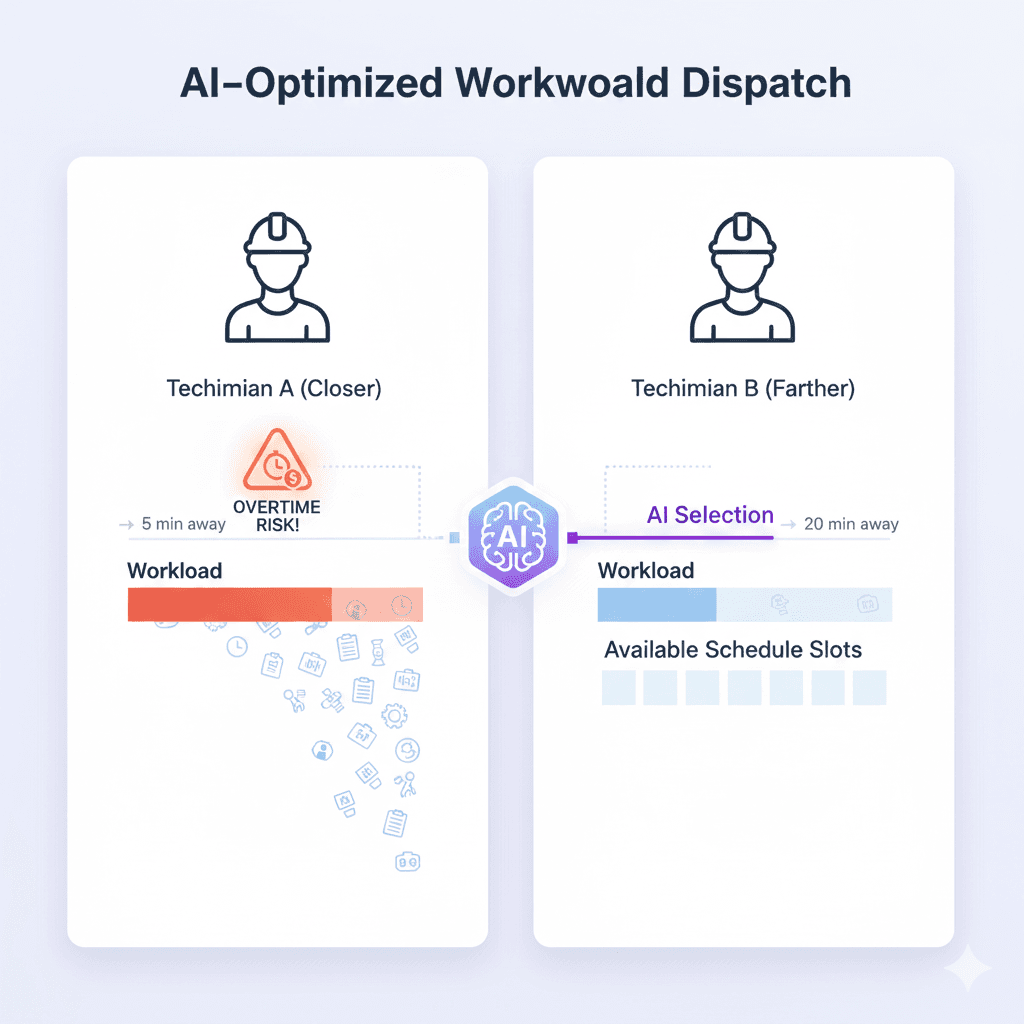
The Math: Protecting Tech C from overtime saves $45 (1.5× labor multiplier). Tech D’s extra 10-minute drive costs $8 in fuel. Net savings: $37.
Human says, “Tech C can squeeze it in.”
AI reasoning: Overtime protection saves more than extra drive time costs.
Job: VIP HVAC repair, 2-4 PM window, $500 SLA penalty if missed
AI Assigns: Tech E
Why: Tech F’s route already has 18% late risk. Adding VIP increases it to 34%. Tech E’s route is 98% on-time probability.
The Math: 34% × $500 penalty = $170 expected cost. 35 min extra drive = $23 cost. Protecting SLA is worth 7× the drive cost.
Situation: Tech G running 25 min late, has 3 more jobs scheduled
AI Chooses: Option B
Why: Next job has a 2-3 PM window (tight). 25-minute delay means arrival at 3:10 PM (missed window). The final 2 jobs have flexible windows; Tech G can still complete them.
Situation: Emergency arrives at 2:30 PM, customer requests same-day
AI Chooses: Defer to Tech J tomorrow
Why: Based on FieldCamp data, 78% of “emergency” requests are actually “urgent but flexible” (completed within 24 hours). Inserting today disrupts 3 jobs, risks overtime, and adds $31 in costs. Tomorrow’s 9 AM satisfies the customer within 18 hours.
Perfect optimization is mathematically impossible in real-time dispatching. With 10 technicians and 50 jobs, there are millions of possible combinations. Testing every single one would take hours, and your day is already moving.
AI uses diminishing returns logic: it stops optimizing when improvements become marginal. The system runs multiple iterations, each one refining the schedule slightly. When the improvement drops below a threshold, it commits.
Threshold: AI commits when the next iteration would improve the score by less than 2%.
A 96% optimal schedule delivered in 3 seconds beats a 98% optimal schedule delivered in 45 seconds. Your dispatcher needs answers now, not mathematical perfection.
This is also why AI dispatching uses incremental solvers. When a new job arrives mid-day, the system doesn’t recalculate the entire schedule; it only adjusts the affected portions. This keeps response times under 5 seconds, even for complex schedules.
Scenario: 6 techs, 38 jobs, 1,247 possible combinations
| Iteration | Time | Optimization | Improvement |
| 1 | 0.5 sec | 87% | — |
| 2 | 1.2 sec | 94% | +7% |
| 3 | 2.8 sec | 96.3% | +2.3% |
| 4 | 5.1 sec | 96.7% | +0.4% |
AI commits at Iteration 3. The 0.4% improvement isn’t worth 2.3 more seconds.
Most AI systems are black boxes. FieldCamp shows the reasoning so dispatchers can trust it, learn from it, and override when necessary.
Click any job to see:
Top 3 factors: “Tech #3 assigned because: (1) HVAC master certification required, (2) 96% success rate for this job type, (3) workload balance (4 jobs vs. 7 for closest tech)”
Score breakdown: Skill match: 92%, Travel efficiency: 78%, Workload balance: 88%. Overall: 94.2/100
Alternatives: Tech #1 (78.3), Tech #2 (81.7)
Drag a job to a different technician and instantly see:
Test “what if I moved this?” before committing.
When you manually reassign, FieldCamp asks “Why?” with options: Customer request, Tech preference, Emergency, Equipment availability, Other.
AI logs these patterns and adjusts future recommendations. Consistently assign Tech #5 to a specific customer? AI starts preferring Tech #5 for them automatically.
The result: FieldCamp users override AI only 8-12% of the time (vs. 30-40% with other systems), because they can see why each decision was made.
The reasoning makes sense even if the assignment feels counterintuitive.
Example: AI assigns Tech #3 (18 min away, HVAC master) instead of Tech #1 (9 min away, general HVAC).
Reasoning shown: “Tech #3 has 96% first-time fix rate, Tech #1 has 78%.”
Verdict: Trust it. The skill trade-off is worth the drive time.
You have context that the AI doesn’t have.
Example: AI assigns Tech #2 to a VIP who specifically requested “not Tech #2” due to a communication mismatch. That preference isn’t logged.
Verdict: Override. Assign Tech #4 and log the reason so AI learns.
Tech workload context: AI assigns Tech #5 to a complex job, but Tech #5 is training a new hire today.
→ Override, assign Tech #7, log “training day.”
Customer relationship: AI assigns Tech #2, but this customer previously complained about them (not in CRM).
→ Override, assign Tech #4, add preference note.
Equipment availability: AI assigns Tech #6 to a boiler replacement, but the unit won’t arrive until tomorrow.
→ Override, defer to tomorrow, notify customer.
Now you understand why AI assigned Tech #3 to that emergency call instead of the closer technician. It wasn’t a mistake; it was balancing skill match, workload, and first-time fix probability across the entire day.
When you see AI’s reasoning, how it scores priorities, respects constraints, and balances trade-offs, counterintuitive decisions start making sense. What looks “wrong” for a single job is often “right” for the overall operation.
The key insight: AI dispatching doesn’t optimize individual jobs. It optimizes the entire schedule simultaneously. A decision that adds 12 minutes to one route might save 45 minutes of callbacks, prevent overtime, and protect an SLA. You can’t see those ripple effects in real time. The AI can.
Next step: Explore FieldCamp’s AI dispatcher to see the Assignment Reasoning Panel and What-If Simulator in action. Or book a demo and bring a real scheduling challenge, watch how the AI handles it.
Get a quick, practical assessment of your team size, workflows, constraints, and ROI potential. No pitches, just clarity on whether AI dispatching makes sense for your operations today
AI evaluates hundreds of variables beyond distance: skill match, workload balance, success probability, SLA risk. A farther tech with better skills and a lower workload often produces better outcomes. Sometimes, 10 extra minutes of driving prevents a 2-hour callback.
Tie-breakers: (1) workload balance—assign to tech with fewer jobs, (2) customer history—prefer tech who serviced this customer before, (3) route efficiency—minimize total drive time. You can configure priority in Admin settings.
Yes. FieldCamp shows assignment reasoning for every job: top 3 factors, composite score breakdown, and alternative options with scores. Use the What-If simulator to test different assignments.
Yes. When you reassign, FieldCamp asks why. AI logs patterns and adjusts future recommendations. Consistently override for a specific customer? AI starts matching your preferences automatically.