
AI Field Service CRM That Builds Loyalty
Centralize every customer, call, and job history in one AI-powered CRM. Turn leads into repeat clients and manage your entire field business with complete clarity and automation.
Trusted by





Why Field Service Teams Trust FieldCamp CRM
Built for field pros who want less admin, more action, and smarter customer management.
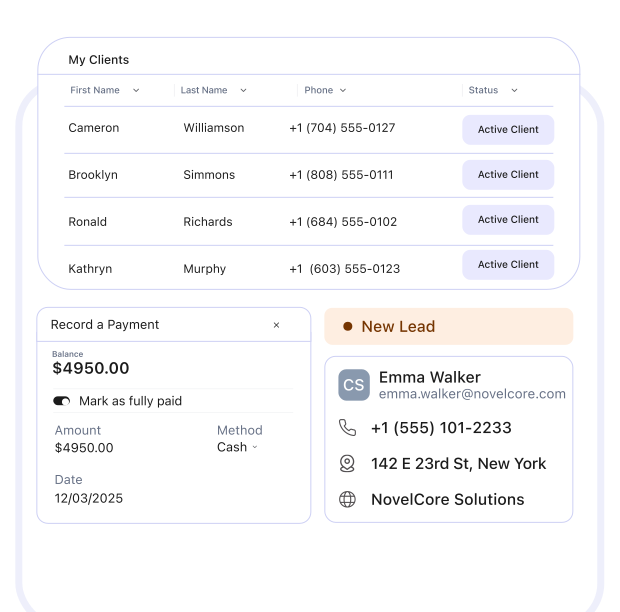
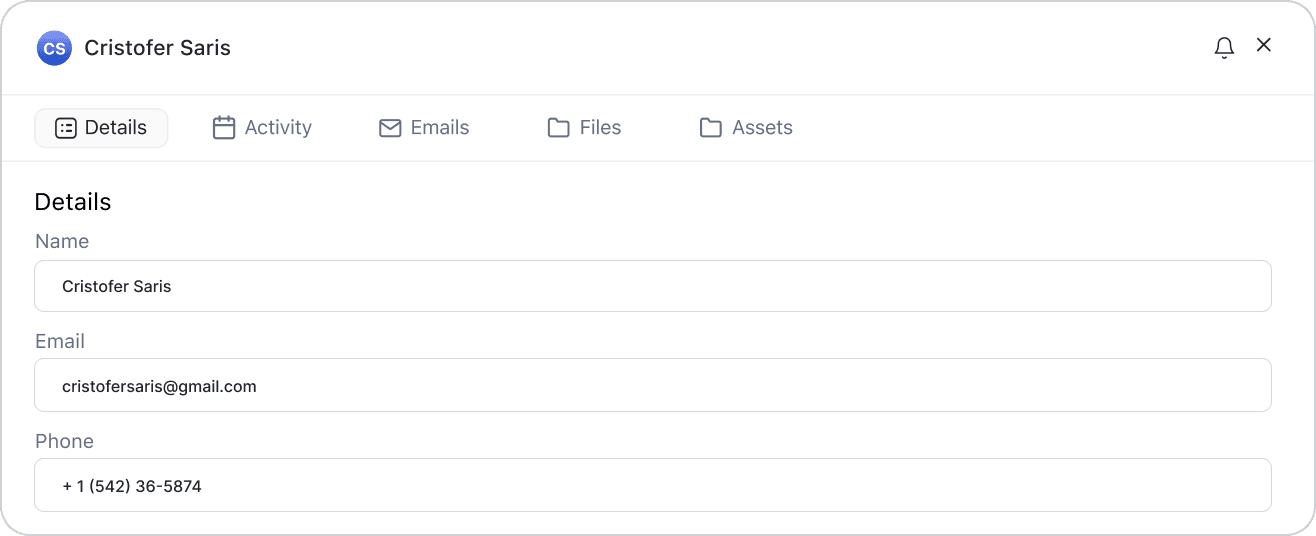
360° Customer Profiles in One Place
Every detail, contact info, service history, invoices, and documents, lives in one searchable profile, accessible anywhere by your office or field team.
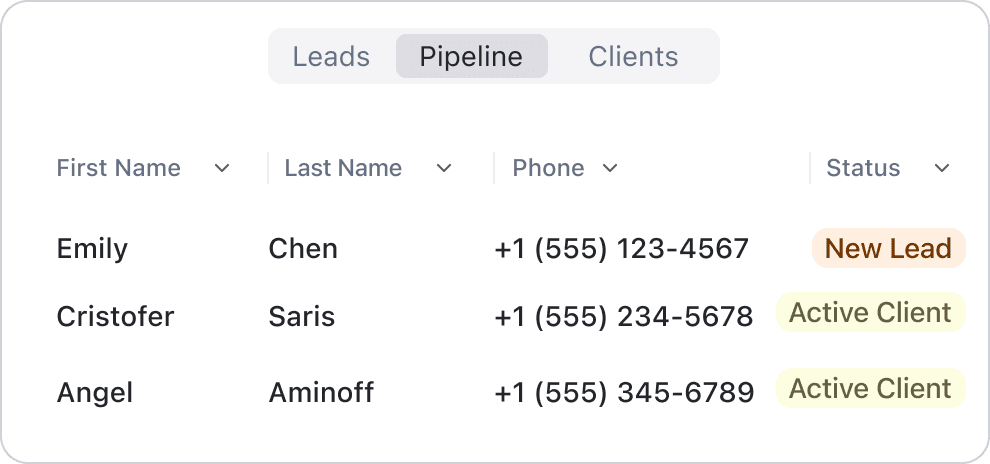
Visual Pipeline That Converts Faster
Track every opportunity from lead to job completion. Drag and drop deals, automate follow-ups, and see where revenue is stuck, all in one board.
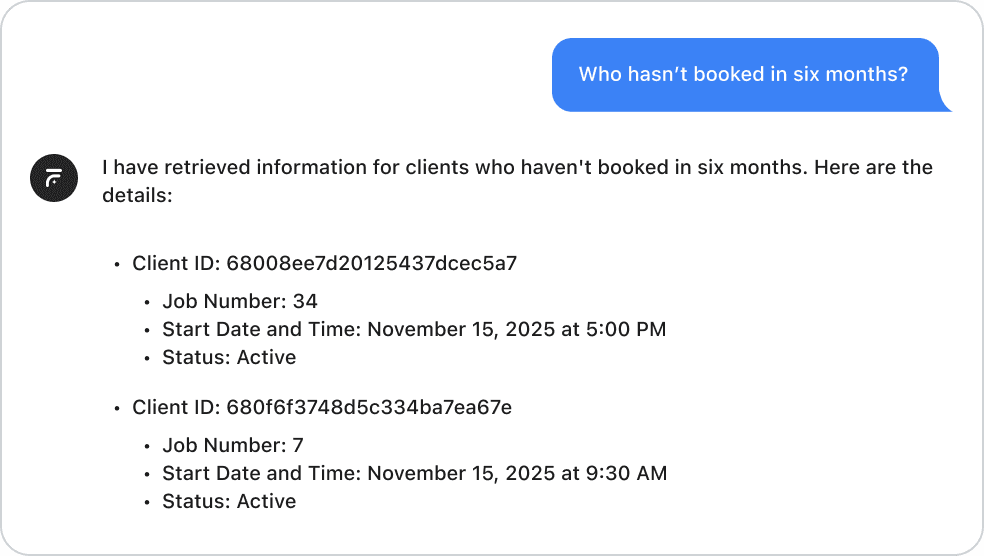
AI Insights That Drive Decisions
Ask questions using “Who hasn’t booked in six months?” or “Which services bring most revenue?” FieldCamp’s AI turns data into clear next steps.
From Scattered Customer Records to AI Agents That Keep Your Book Clean
FieldCamp’s AI Agent gives every tech one client profile before the knock. The AI Agent layer runs New Client Research, Inbound Lead, and more on their own, so your book stays current and your reps stay focused on the next close.
Without AI Agent

A new lead arrives. Someone on the ops team opens the client record, researches the business online, and hand-types what they find into the notes field
Inbound leads pile up in the queue. A rep reads each one, tries to guess urgency, and manually decides whether to route it to dispatch or to sales
The AR ageing report gets pulled once a month. Collections calls made in no particular order, usually starting with whoever shouted loudest last time
The same question is asked to the same client across three visits in a row because nobody opens the history tab before the knock on the door
Custom client fields are locked to the 12 fields the software ships with. No way to track service plans, equipment lists, or property assets without a spreadsheet

With AI Agent
New Client Research agent kicks in when a client is added, pulls the info, prepares a profile with recommended services
Inbound Lead Triage classifies every new request, and suggests the right next step for dispatch or sales
Collections Prioritizer reviews overdue invoices every morning, recommends who to call first, which payment plan to offer, what cadence to use
Every call, visit, quote, and invoice is logged against the client. Techs open the profile and see full context in the mobile app
Custom objects: define your own data types (service plans, equipment lists, assets) and filter views by them
All-in-One CRM for Field Operations
From customer onboarding to job completion — everything happens in one place. FieldCamp’s CRM is built to simplify field operations while keeping every team aligned. A single platform to manage customers, jobs, estimates, and communication — all synced in real time.
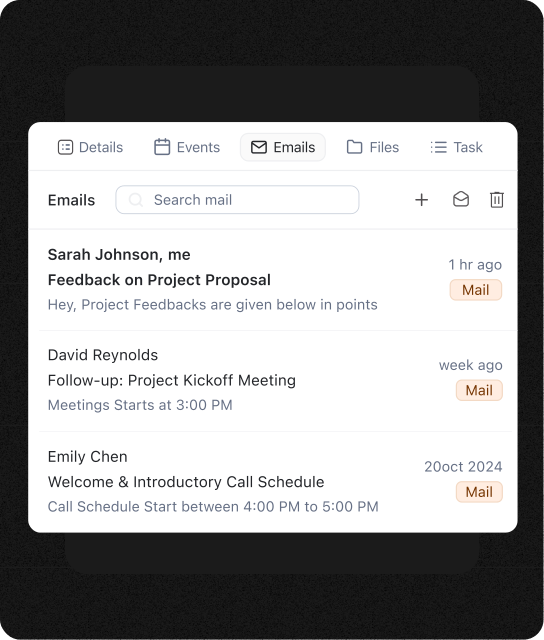
Unified Communication Timeline
View every email, call, SMS, and note in one timeline. Everyone stays updated, and no client story gets lost.
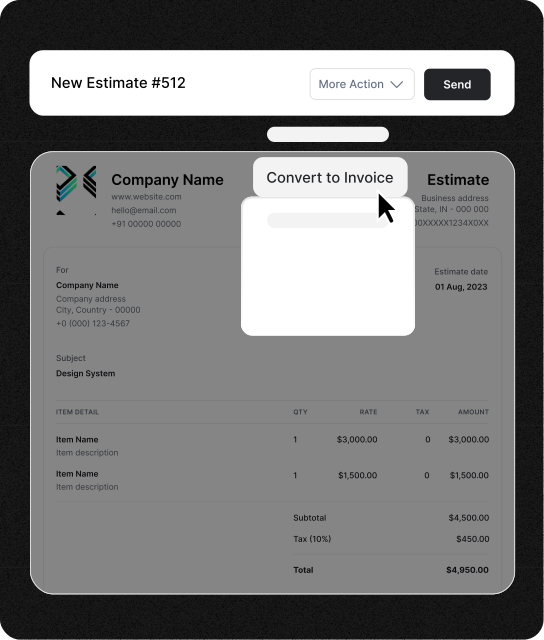
Estimate-to-Invoice Automation
Create estimates, convert to jobs, and send invoices in seconds. Auto-sync payments with QuickBooks or Stripe.
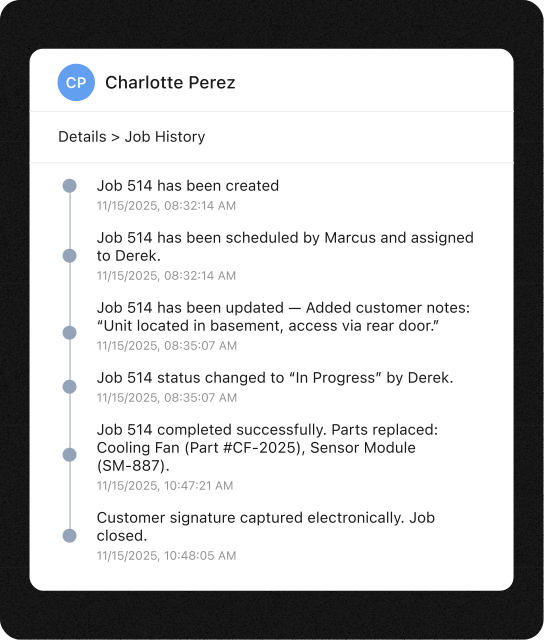
Complete Job & Service History
Track all visits, technicians, and tasks per customer. Reference past work instantly for better client experiences.
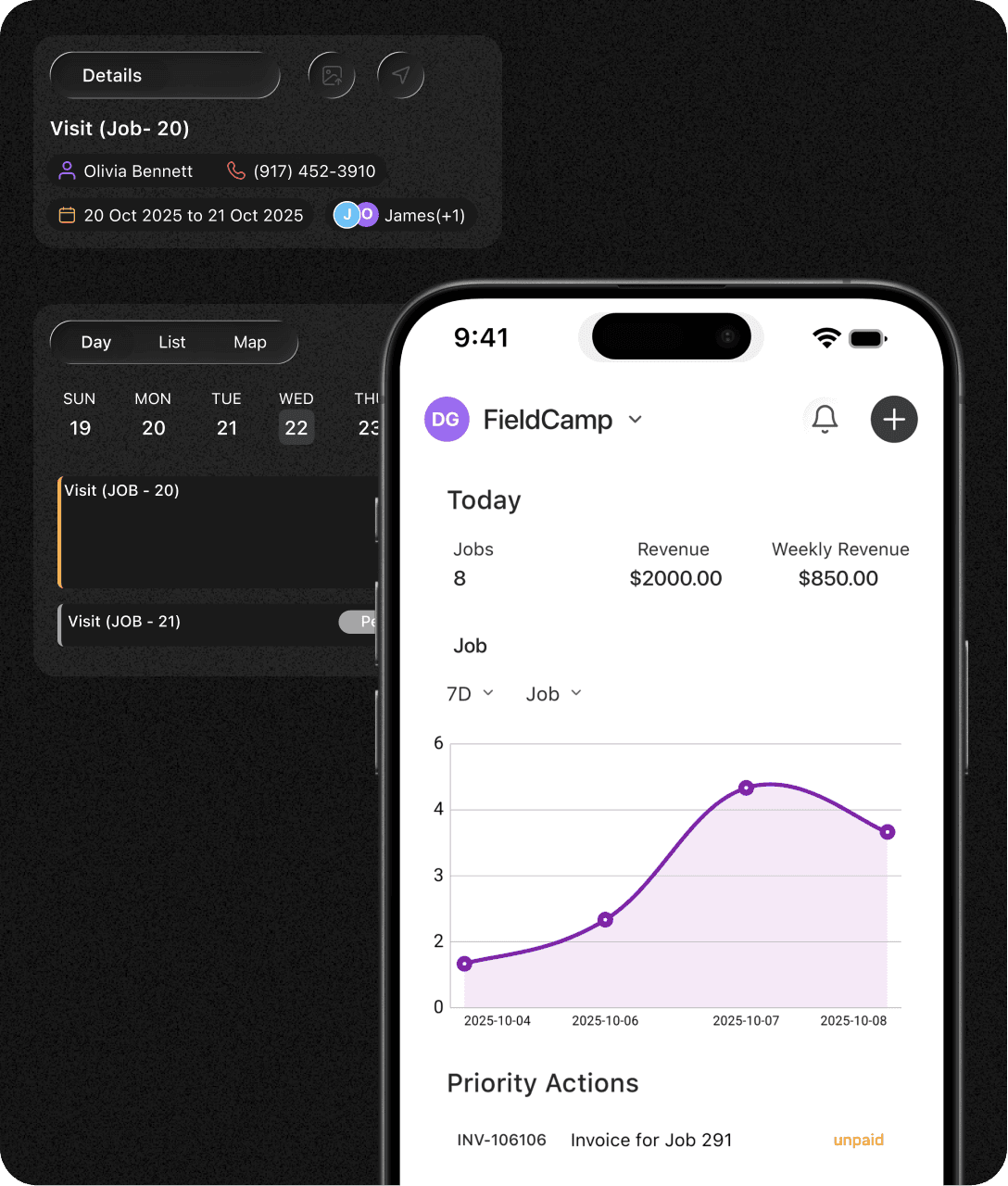
Mobile CRM for Technicians
Technicians access customer details, upload photos, and update notes from job sites, no need to access desktop.
Frequently Asked Questions
Unlock efficient growth with one platform that automates scheduling, routing, enrichment, and intent workflows.
How is FieldCamp different from generic CRMs?
FieldCamp is purpose-built for field service operations — not just sales. It includes job linking, technician access, and service history tracking that traditional CRMs lack.
Can I import data from my current system?
Yes. You can import customers, contacts, and service records via CSV or QuickBooks sync. FieldCamp maps fields automatically so no history is lost.
How does the AI email assistant help?
It crafts personalized emails using customer history and context — like thank-you notes, reminders, or follow-ups — saving you hours daily.
Can multiple users access the same record?
Yes. Multiple users can view and update profiles simultaneously with role-based permissions, ensuring security and alignment.
Is customer data secure?
Yes. FieldCamp uses bank-level encryption, SOC 2 compliance, and automatic backups to protect your information.
Does FieldCamp integrate with QuickBooks and Gmail?
Yes. FieldCamp connects seamlessly with QuickBooks, Stripe, Gmail, and Google Calendar to keep your data in sync automatically.
Stop Asking the Same Customer the Same Question
Scattered history across email, WhatsApp, and spreadsheets kills trust. FieldCamp gives every tech one searchable client profile with service history, equipment, and notes built in.
