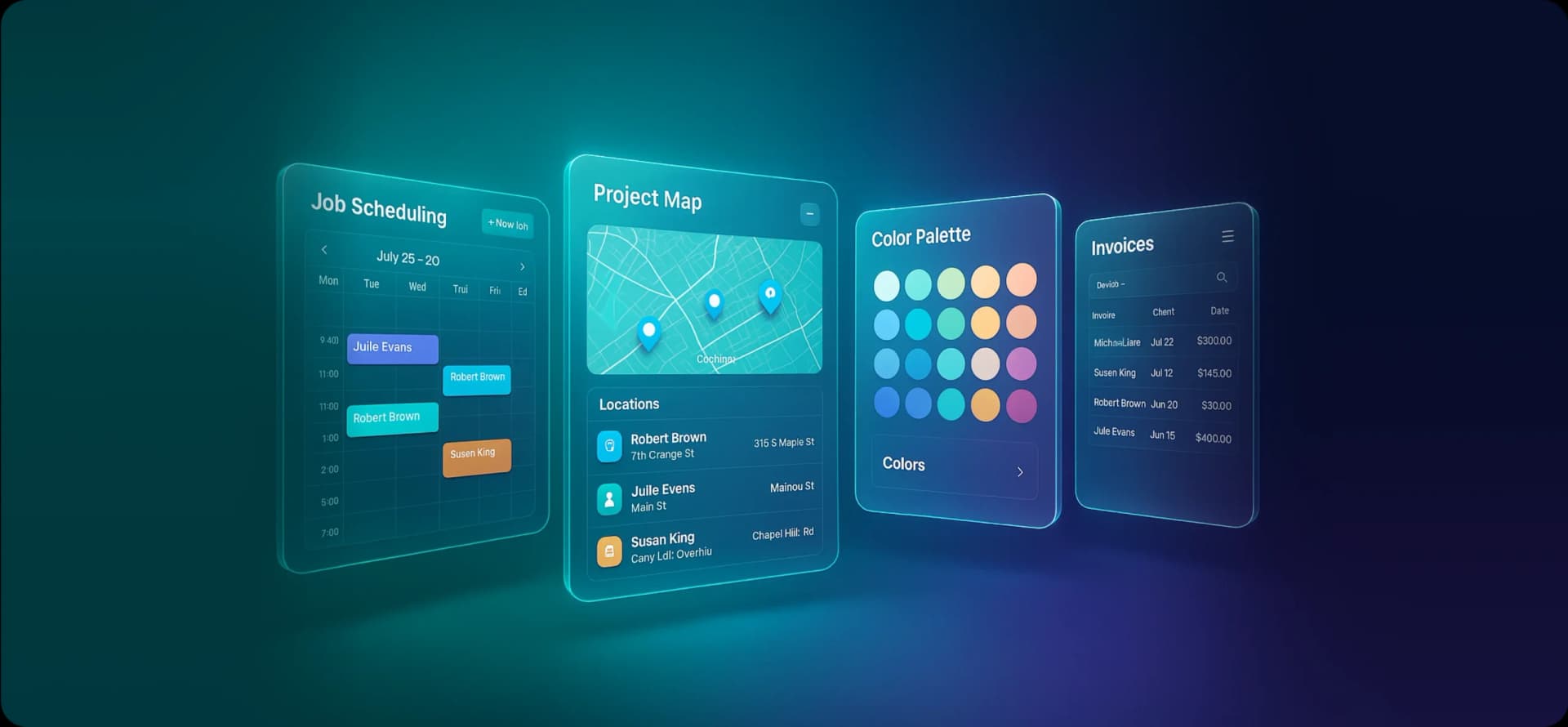
Best Painting Contractor Software: Complete Guide & Reviews
Running a painting business comes with enough challenges already: chasing leads, managing crews, keeping customers happy, and somehow finding time to actually paint. The last thing you need is a stack of paperwork slowing you down.
Here’s what’s happening out there: while some contractors are still juggling spreadsheets and sticky notes, others are firing off polished estimates from their truck, tracking jobs in real-time, and getting paid before the paint dries.
That gap? It comes down to having the right painting business software in place.
And no, you don’t need to be tech-savvy to make this work. The best painting company management tools today are designed for contractors, not computer engineers. They’re built to save you time, not create more headaches.
In this guide, we’re breaking down the top options for painting job management software, what works, what doesn’t, and how to figure out which one actually fits your business.
How We Evaluated These Software Solutions
We didn’t just skim a few websites and slap together a list. Our evaluation was pulled from detailed platform analysis and real-world feedback from painting contractors on review sites like G2, Capterra, and Software Advice.
Here’s what mattered to us:
| Criteria | Weight | What We Looked At |
| Ease of Use | 25% | Learning curve, interface clarity, mobile experience |
| Painting-Specific Features | 25% | Estimate builders, paint calculators, project tracking tools |
| Integration Capabilities | 20% | Accounting sync, payment processing, supplier connections |
| Customer Support Quality | 15% | Response times, training materials, ongoing assistance |
| Value for Money | 15% | Pricing transparency, features vs. cost, room to scale |
We also dug into what actual users are saying: the wins, the frustrations, and the “wish someone had told me this earlier” moments.
Note: Prices and features mentioned in this guide may change over time. Always confirm current details directly with each provider.
Top Painting Contractor Software Reviews
1. FieldCamp
Best For: Painting contractors of any size who want a purpose-built solution with solid painting-specific features and strong value.
FieldCamp was built from the ground up for painting contractors, not adapted from generic field service software. That difference shows up in the details, from how estimates work to how your crew interacts with the app on-site.
As a field service automation system, it handles the busywork so you can focus on the actual painting.
Key Strengths:
- Smart estimate builder with built-in paint calculators for surface types, coats, and prep requirements
- Mobile app with essentials to stay updated even while working in the field
- Customer portal with project updates, photo sharing, and simple payment options
- Built-in reporting to track profitability by job and see how your crews are performing
The estimation system is genuinely useful. It pulls from a database of paint products and application methods, so you’re not reinventing the wheel every time you quote a job. Customers notice the professional touch, and that tends to show up in better reviews and more word-of-mouth referrals.
Pricing: Flexible plans for different business sizes. See current pricing here.
| Pros | Cons |
| Designed specifically for painters | Fewer third-party integrations than massive platforms |
| Quick to set up and easy to learn | |
| Reliable mobile functionality | |
| Responsive customer support |
Book a Demo and See how it works for your specific workflow.
2. ServiceTitan
Best For: Larger painting operations with office staff and complex, multi-location needs.
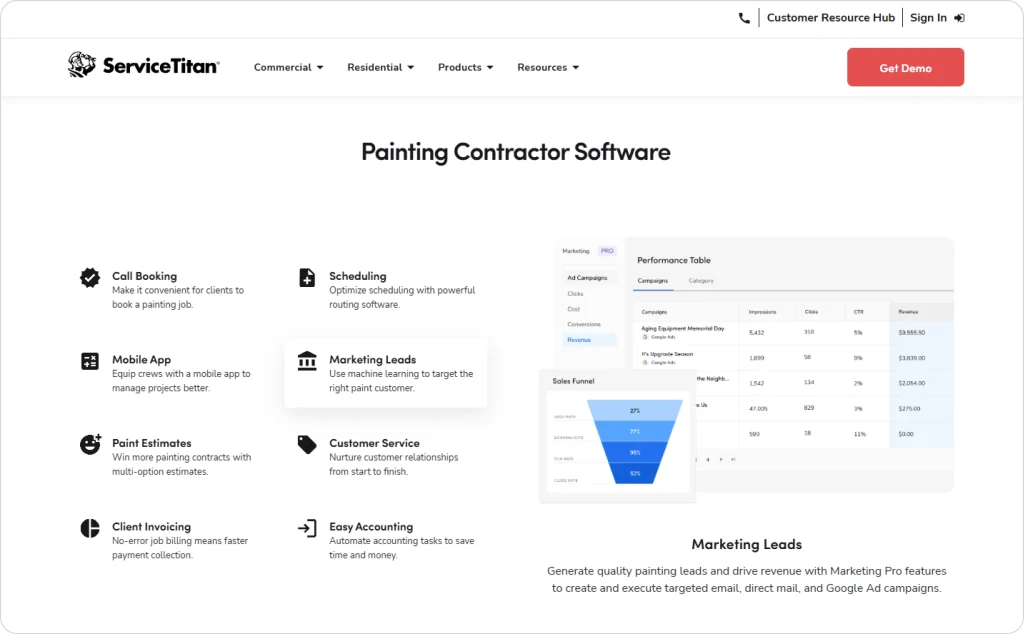
ServiceTitan is the big name in field service management. It’s loaded with features, integrations, and enterprise-level infrastructure. But that power comes with a steeper price tag and a longer runway to get everything set up.
Key Strengths:
- Deep reporting and business analytics
- Advanced scheduling and dispatch capabilities
- Wide integration ecosystem
- Battle-tested reliability for bigger teams
If you’re running a large operation with dedicated admin support, ServiceTitan can deliver. For smaller painting businesses, it might feel like bringing a sledgehammer to hang a picture frame.
Curious how it compares? Check out our ServiceTitan alternative breakdown.
| Pros | Cons |
| Enterprise-grade features | Pricey for smaller teams |
| Strong reporting tools | Significant learning curve |
| Lots of integrations | Implementation takes time |
| Scales well for large businesses | Not built specifically for painting |
Pricing: Premium tier, typically higher than most competitors. Contact them directly for current rates.
3. Jobber
Best For: Small-to-medium painting contractors who want dependable features without a steep learning curve.
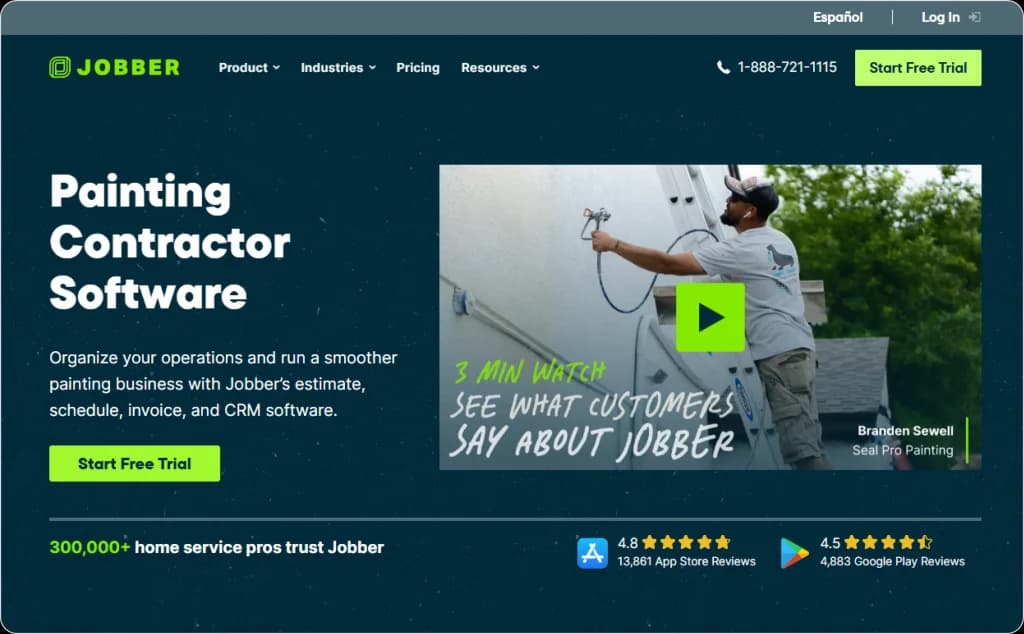
Jobber is a reliable generalist. It won’t wow you with painting-specific bells and whistles, but it handles the fundamentals well and doesn’t take weeks to figure out.
Key Strengths:
- Clean interface that’s easy to navigate
- Solid mobile app for crews in the field
- Built-in invoicing and payment processing
- Decent customer communication features
Contractors tend to like Jobber for its balance; it does enough without overcomplicating things. A safe pick if you want something straightforward.
We’ve put together a detailed Jobber review if you want to dig deeper.
| Pros | Cons |
| Easy setup | Not built for painters specifically |
| Good mobile experience | Lacks specialized features |
| Fair pricing for small teams | Fewer advanced tools |
| Helpful support |
Pricing: Multiple tiers from basic to premium. Check their site for current plans
4. CoConstruct
Best For: Painting contractors who regularly work as subs on larger construction projects.
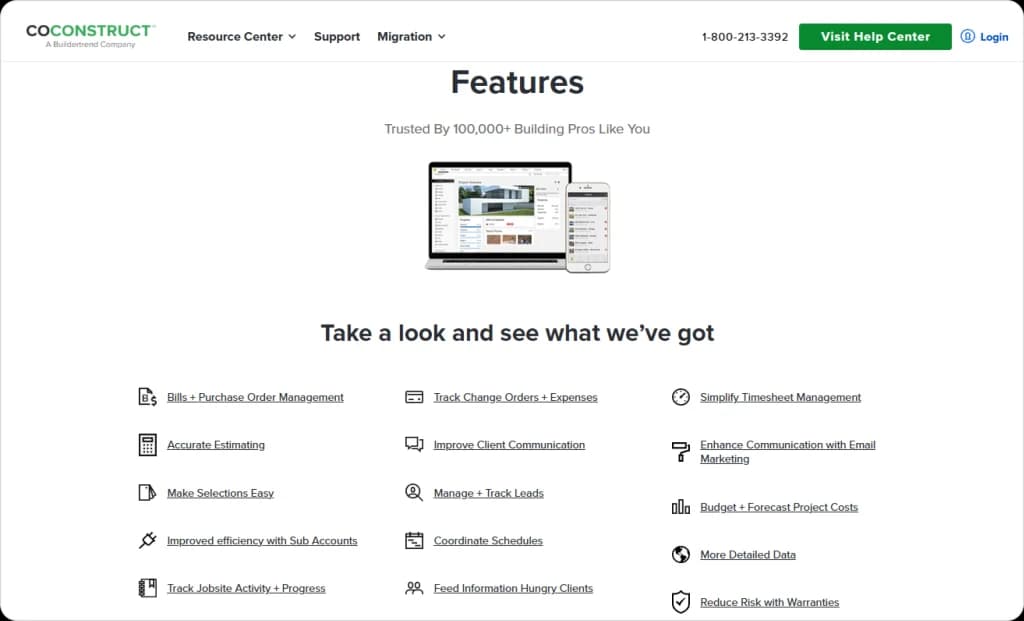
CoConstruct is designed for collaboration, communicating with GCs, managing change orders, and keeping everyone on the same page across complex jobs.
Key Strengths:
- Strong project collaboration tools
- Client-facing communication portal
- Change order tracking
- Document sharing and management
If your work involves coordinating with general contractors and other trades, CoConstruct handles that well. For straightforward residential repaints, it’s probably more than you need.
| Pros | Cons |
| Great for multi-stakeholder projects | Overkill for simple jobs |
| Professional client features | Steeper learning curve |
| Solid document management | Light on painting-specific tools |
| Good for construction workflows | Can get expensive |
Pricing: Mid-to-premium range. Visit their site for details.
5. PaintScout
Best For: Contractors who prioritize accurate painting estimates and calculation tools above all else.
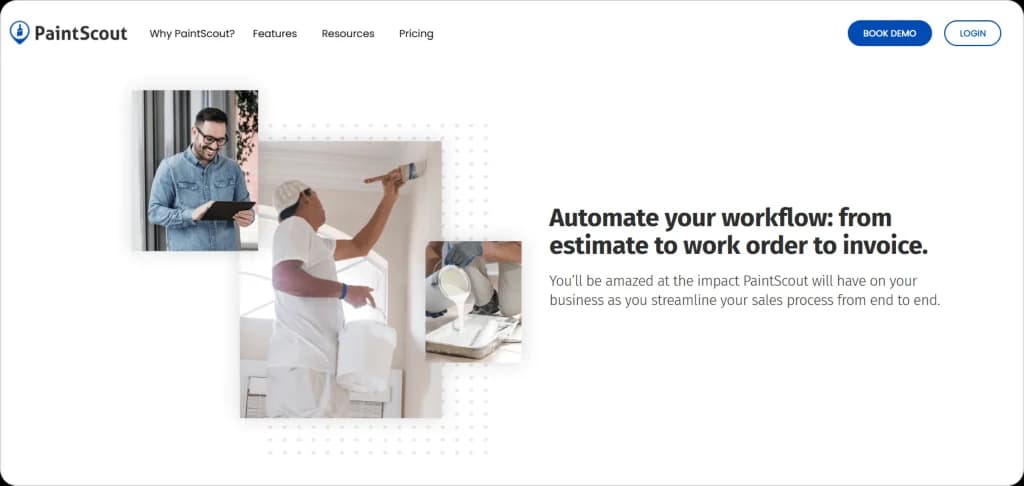
PaintScout focuses on one thing and does it well: painting-specific estimates. If nailing your numbers is the main goal, it deserves a look.
Key Strengths:
- Dedicated paint calculation tools
- Color matching features
- Weather-aware scheduling
- Mobile-friendly design
The tradeoff? PaintScout isn’t a full business management platform. Think of it as a specialist tool for estimates rather than an all-in-one solution.
Want to build estimates faster? Our free estimate templates can help you get started.
| Pros | Cons |
| Accurate paint calculations | Limited overall features |
| Built for painters | Smaller integration options |
| Budget-friendly | Not a complete business solution |
| Weather integration |
Pricing: Affordable plans focused on estimation. Check their website for specifics.
6. HouseCall Pro
Best For: Small residential painters who need simple, no-fuss tools.

HouseCall Pro keeps things basic. If you’re a smaller operation that doesn’t need a ton of features, that simplicity can actually be a plus.
Key Strengths:
- Dead-simple setup
- Basic scheduling and dispatch
- Payment processing baked in
- Straightforward mobile app
It’s not flashy, but it covers the essentials without burying you in options you’ll never use.
See how it measures up in our detailed HouseCall Pro review.
| Pros | Cons |
| Very easy to learn | Limited advanced features |
| Budget-friendly | Generic — not painter-specific |
| Handles basics well | Less room to grow |
| Fast to get started | Fewer customization options |
Pricing: Affordable entry point. See their site for current options.
7. Workiz
Best For: Mid-size contractors who need strong dispatch and crew coordination.
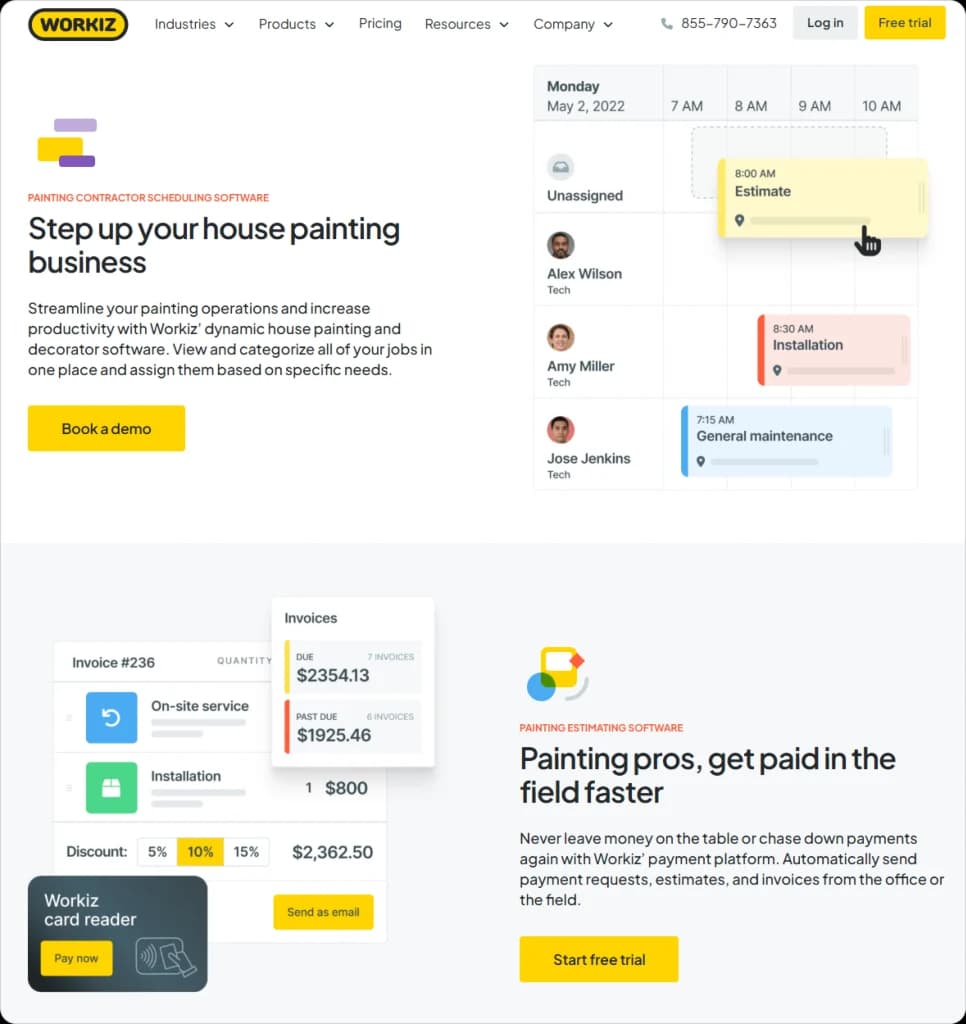
Workiz puts the focus on getting the right people to the right jobs. If managing multiple crews is your daily headache, it’s worth considering.
Key Strengths:
- Solid dispatch and scheduling
- Crew management tools
- Decent integrations
- Customizable workflows
| Pros | Cons |
| Good dispatch features | Not painting-specific |
| Helpful for team coordination | Interface feels busy |
| Reasonable cost | Takes time to master |
| Decent integrations |
Pricing: Competitive mid-tier pricing. Check their site for current rates.
Choosing the Right Software for Your Painting Business
There’s no universal “best” option here. What works depends on your situation. Let’s break it down.
By Business Size
| Stage | Approximate Revenue | Focus On | Good Fits |
| Solo/Startup | Under $150K | Simplicity, affordability, and looking professional | FieldCamp, Jobber, HouseCall Pro |
| Small Team | $150K–$500K | Crew coordination, customer communication, scalability | FieldCamp, Jobber, PaintScout |
| Growing Company | $500K+ | Advanced reporting, multi-location support, and integrations | FieldCamp, ServiceTitan |
By Project Type
Mostly Residential: You’ll want strong customer communication, easy photo documentation, and quick estimates. FieldCamp, Jobber, or HouseCall Pro work well here.
Commercial Projects: Look for robust project management, change order handling, and detailed reporting. ServiceTitan or CoConstruct are better suited.
Specialty/Decorative Work: Color management and detailed specs matter more. PaintScout or CoConstruct could be good options.
Mixed Portfolio: Flexibility is key. FieldCamp, Jobber, or Workiz handle a variety without forcing rigid workflows.
By Tech Comfort Level
| Comfort Level | What to Consider |
| Tech-savvy | You can handle complexity: ServiceTitan or CoConstruct offer deep features |
| Moderate | Balance matters: Jobber, FieldCamp, or Workiz give you the capability without overwhelm |
| Tech-hesitant | Keep it simple: HouseCall Pro, Jobber, or FieldCamp (known for easy onboarding) |
By Budget
| Budget | Worth Exploring |
| Under $50/month | Entry tiers of Jobber, HouseCall Pro, Workiz |
| $50–$100/month | Mid-tier FieldCamp, Jobber, PaintScout |
| $100+/month | ServiceTitan, CoConstruct, premium plans |
Need help crunching the numbers for your painting jobs? Try our free paint calculator to estimate materials and costs.
Quick Decision Shortcut
Four questions to narrow your options fast:
1. How many people work for you? (Tells you how much complexity you need)
2. What’s your rough annual revenue? (Guides how much to invest)
3. How comfortable are you with new software? (Determines realistic option)
4. What can you actually spend monthly? (Eliminates what’s out of range)
Answer those honestly, and you’ll probably land on 2–3 platforms worth testing through trials or demos.
Quick Recap: Best Picks by Category
Let’s cut to it:
| Category | Top Pick | Why |
| Best Overall | FieldCamp | Built for painters, easy to use, solid value |
| Best for Large Operations | ServiceTitan | Enterprise features, comprehensive analytics |
| Best for Simplicity | HouseCall Pro | Basic, affordable, minimal learning curve |
| Best for Estimation | PaintScout | Specialized paint calculators |
| Best for Construction Collaboration | CoConstruct | Multi-trade project management |
What to Do Next?
1. Figure out your priorities using the framework above
2. Test before you commit — free trials exist for a reason. Use real customer data, not made-up scenarios
3. Start with the basics — master core features before adding complexity
The painting contractors winning more work right now aren’t necessarily more skilled. They’re just better equipped. Good software makes you faster, more professional, and easier to do business with—without adding more hours to your week.
Frequently Asked Questions
What features should I look for first in painting contractor software?
Nail the basics first: scheduling, estimates, invoicing, and a mobile app your crew can actually use on-site. Once those are working smoothly, explore extras like customer portals, integrations, and performance reports.
How long does it take to get everything set up?
Depends on the platform. Simpler tools like HouseCall Pro or Jobber can be running in a few days. More complex systems like ServiceTitan might take several weeks to fully implement, especially if you’re migrating a lot of data.
What if I pick the wrong software? Can I switch later?
You can, but it’s a hassle. Most platforms let you export customer info, so you won’t lose everything. The bigger pain is retraining your team and rebuilding workflows. Better to choose something with room to grow so you’re not doing this again in a year.
Do I really need painting-specific software?
Not necessarily, general contractor tools can work. But you’ll spend more time customizing them. Painting-focused options like FieldCamp or PaintScout come with calculators, templates, and workflows already designed for how painters operate. That saves time from day one.
What are the basic integrations for painting contractors?
Accounting software (QuickBooks, Xero) is usually the big one; nobody wants to enter the same data twice. Payment processing (Stripe, Square) is next. After that, it depends on your business: supplier catalogs, email marketing, or CRM tools might matter to you.
What’s a reasonable monthly budget for painting contractor software?
Most small painting contractors make somewhere between $30–$100 per month. Larger teams with more users and advanced requirements might spend $150–$300 or more. The real question is ROI: if the software saves you five hours a week and helps you win one extra job a month, it pays for itself fast.
Can software actually help me land more jobs?
Absolutely. Speed matters; when you send a clean, professional estimate within hours instead of days, customers notice. Looking organized and responsive beats the competition more often than you’d think. It’s not magic, but it definitely moves the needle.