
Home›AI Receptionist
AI receptionist · UK
AI receptionist for trades in the UK. Every call answered, every job booked in.
FieldCamp’s AI receptionist picks up when you can’t — on a job, up a ladder or out of hours. It follows your rules, checks the postcode, books the job into the diary with the right engineer, and puts a gas leak or a burst pipe straight through to whoever’s on call.
A 24/7 call answering service for gas engineers, plumbers, electricians and maintenance firms. Works with FieldCamp, or on its own.
★4.8G2 UK customer: PreventiPest
01 The basics
What is an AI receptionist? A phone line that gets the job sorted.
An AI receptionist, sometimes called an AI virtual receptionist, is a voice assistant that answers your business phone, has a proper conversation with the caller and gets things moving: booking the job in, answering a question or putting the call through to someone on your team. Unlike an answerphone or a message-taking service, it works inside your job management software.
01It picks up
Every call, 24/7 — while you’re on a job, out of hours, or when every line’s engaged. No “press 1 for…” menus.
02It knows who’s calling
Recognises existing customers, looks up their jobs and equipment, and answers from what you’ve told it: the areas you cover, your call-out policy, and the work you do and don’t take on.
03It books the job in
Creates the job and, with the AI Dispatcher connected, books a real engineer and time slot while the caller’s still on the line.
04It passes urgent calls on
Puts emergencies through to whoever’s on call, with a quick heads-up first. Every call is recorded, transcribed and saved against the customer.
02 On every call
An AI phone receptionist that books the job in, not just takes a message.
Most AI answering apps text or WhatsApp you the caller’s details, and you still have to ring them back. FieldCamp books the job straight into the diary, with the engineer and time slot the AI Dispatcher suggests, and confirms it with the caller before they hang up.
- 24/7 call answering — out of hours, when every line’s engaged, or on every call. You choose when it picks up. Set it up
- Books jobs into the diary — creates the job, takes the engineer and slot the AI Dispatcher suggests, and confirms it on the call. How booking on the call works
- Checks the postcode — reads the address and postcode back, so your engineer turns up at the right door first time.
- Knows your customers — looks up customers, jobs, quotes, invoices and the diary during the call, so existing customers aren’t asked for everything twice. What it can look up
- Answers from what you’ve told it — the areas you cover, your call-out policy, and the jobs you do and don’t take on. Add your business details
- Choose the voice — pick the voice your callers hear from the voice library, filtered by accent and language. Voices · Languages
- Every call recorded — the recording, transcript and outcome are saved against the customer in the FieldCamp Inbox. Recordings
- Phone, text, email and WhatsApp — the AI receptionist also replies across your unified inbox, not just the phone. WhatsApp setup
Sound familiar?
You’re under a sink in Sale with your hands full, and the phone goes for the third time. By the time you ring back, they’ve booked whoever picked up first.
03 Emergency calls, by trade
Rules for the calls that can’t wait till morning.
An out-of-hours line gets the same handful of emergencies. Write the rule once, in plain English: what counts as urgent, what the receptionist says first and who it goes to. Everything else gets booked in as normal.
Gas Safe & heating engineers
The caller can smell gas, or the CO alarm’s going off.
Your rule: read your safety wording first, such as getting everyone out and ringing the National Gas Emergency Service on 0800 111 999, then put the call through to your on-call engineer. Never booked in as routine.
Plumbers
Water coming through the ceiling, or a burst pipe.
Your rule: tell them where to find the stopcock if it’s safe to, check the postcode, then put them through to whoever’s on call.
Electricians
No power, sparking at the consumer unit, or a burning smell from a socket.
Your rule: your safety wording first, then straight through to the on-call electrician.
Air conditioning & refrigeration
A cold room’s gone down at a restaurant, or the air con’s failed in a server room.
Your rule: urgent, with the site’s access notes added to the job before the engineer is rung.
Pest control
Rats spotted in a commercial kitchen, with the restaurant still open.
Your rule: booked into the first free slot today and flagged to the office.
Property maintenance & lettings
A tenant reports water coming through the ceiling.
Your rule: urgent, with the landlord’s or letting agent’s details added to the job.
FieldCamp doesn’t give safety advice of its own. The receptionist reads out the wording you write, and urgent calls can jump straight to the right rule from any point in the call (how that works).
Cold snap
It’s the first freezing week of January and every combi on the estate seems to pack up at once. The fortieth call of the night gets the same rules, the same postcode check and the same calm voice as the first.
04 Out-of-hours answering service
Out-of-hours calls, put through to whoever’s on call. With a heads-up first.
When a call needs a person, the AI receptionist transfers it there and then. With a warm transfer, your on-call engineer gets a quick private briefing and accepts the call before the caller is connected, so they know exactly what they’re dealing with.
STEP 1
The caller’s kept on hold
The receptionist tells the caller it’s putting them through, and checks that someone actually picks up.
STEP 2
Your engineer gets the heads-up
They hear a short private message the caller can’t hear, then press 1 to take the call.
“Out-of-hours call: no heating, existing customer in SK4. Press 1 to take it.”
STEP 3
They’re connected
Caller and engineer are introduced and take it from there. If nobody picks up, the receptionist takes a number for a call back.
Warm transfer works on Twilio numbers. On other phone providers, the receptionist puts the call straight through to the number you set.
Bank holidays
Easter Monday, Boxing Day, the Friday the schools break up. Choose when it picks up: all the time, out of hours only, or only when the lines are busy.
05 Compare
AI receptionist vs virtual receptionist vs telephone answering service
Most UK trades weigh up four options: a virtual receptionist (a real person answering remotely), a telephone answering service, a basic AI answering app, or an AI receptionist that works inside your job management software. Here’s the honest difference.
| What you get | FieldCamp AI receptionist | Virtual receptionist | Telephone answering service | Basic AI answering app |
|---|---|---|---|---|
| Picks up 24/7, including when lines are engaged | Yes | Set hours, or 24/7 at extra cost | Yes, on 24-hour plans | Yes |
| Books the job into your diary on the call | Yes | Sometimes, if they have access to your diary | Takes a message | Texts you the details |
| Your own emergency rules, trade by trade | Yes | A script you agree with them | A script agreed with the provider | Basic keywords |
| Puts calls through to your on-call engineer, with a briefing | Yes (warm transfer) | Yes | Usually | To you, if at all |
| Knows the customer’s history and equipment | Yes | Only what’s on their screen | No | No |
| Recording, transcript and outcome saved on the job | Yes | Varies by provider | Recording in their app | Varies |
| Where a person still does it better | Very upset or complicated callers: pass them to your team | A real person on every call | A human touch on difficult calls | — |
06 Call recording
Every call recorded. Handy when there’s a dispute.
Every call is recorded automatically, with the caller and the receptionist on separate tracks, plus a transcript. If a customer disputes what was agreed, or you want to check how a call went, it’s all saved against the job.
01If there’s a dispute
What was quoted, what time was agreed, what the caller said about access: all searchable against the customer.
02Checking how calls are handled
Listen back to any call and tweak your rules or wording where the receptionist could do better.
03Your recording notice
Add a line to the greeting, such as “Calls may be recorded for training and quality purposes.” Check what UK GDPR means for your business.
07 Getting started
How to set up an AI receptionist for your business.
STEP 1
Start from a template
Pick a ready-made receptionist, such as Missed-call receptionist or Book the job, then add your business details, the areas you cover and your emergency rules in plain English.
STEP 2
Test it before it goes live
Talk to it in your browser, run practice calls, or have it ring your mobile. Test calls are recorded too.
STEP 3
Connect your number
Connect a number from your phone provider, such as Twilio, Vonage or Plivo, or use the FieldCamp Calls add-on. Then divert your business line to it.
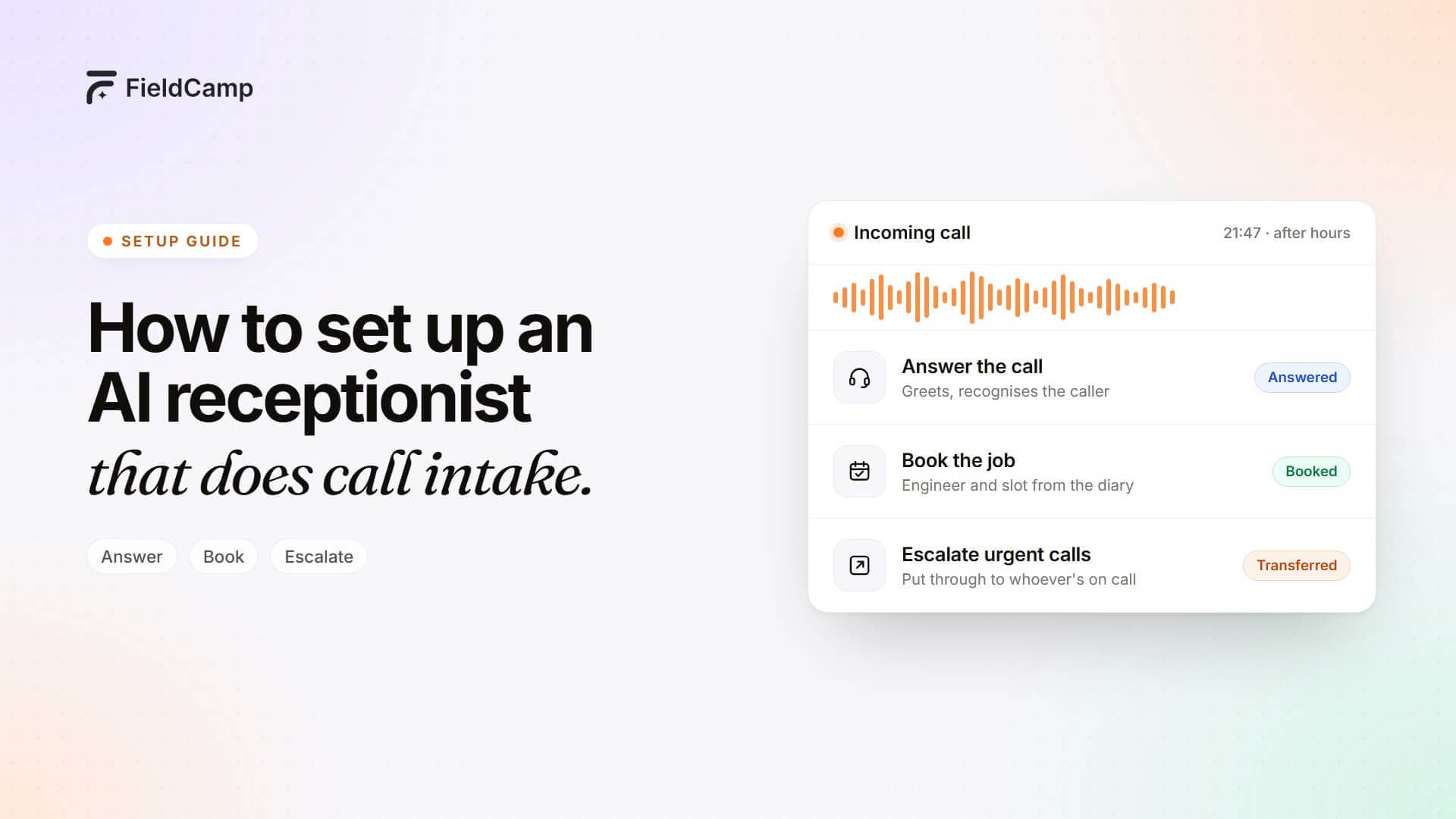 Watch the setupHow to set up an AI receptionist that does call intake
Your number stays put
Most firms simply divert their existing line, so the number on the van, the website and the Google listing doesn’t change. Read the quickstart
Not using FieldCamp yet? The AI receptionist also works on its own, with or without the AI Dispatcher, alongside the software you already use.
Questions
AI receptionist UK, answered
What is an AI receptionist?
An AI receptionist is a voice assistant that answers your business phone, has a proper conversation with the caller and gets the job sorted: booking it in, answering a question or putting the call through to someone on your team. FieldCamp’s works inside your job management software, so a call becomes a booked job, not just a message.
Is an AI receptionist for small business worth it?
If you miss calls while you’re on a job or out of hours, it usually is. A missed call is often a missed job. An AI receptionist answers every call, books in the routine work and puts the emergencies through, so you only pick up the phone when it matters.
What’s the difference between an AI receptionist and a virtual receptionist?
A virtual receptionist is a real person who answers your calls remotely, usually during set hours and charged by the minute or call. An AI receptionist answers every call 24/7, follows your rules and, with FieldCamp, books the job straight into your diary. Many firms use AI for every call and pass the tricky ones to their team.
What is the best AI receptionist in the UK for tradespeople?
The one that books the job in, not just takes a message. Check whether it creates the job in your software, follows emergency rules for your trade, puts calls through to your on-call engineer and records every call. FieldCamp does all four.
Can I keep my existing phone number?
Yes. The AI receptionist answers on a number you connect from your phone provider, or through the FieldCamp Calls add-on. Most firms simply divert their existing business line to it: out of hours, when it’s engaged, or all the time.
Can I choose a British voice?
You choose the voice your callers hear from the voice library, which you can filter by accent and language, and you set the language it listens for.
Does it record calls?
Yes. Every call is recorded automatically with a transcript, and saved against the customer in the FieldCamp Inbox. You can add your own recording notice to the greeting.
Can it put calls through to a person?
Yes. It transfers the call there and then. With a warm transfer on Twilio numbers, your engineer hears a quick private briefing and presses 1 to accept before the caller is connected. If nobody picks up, it takes a number for a call back.
Can it work as an out-of-hours answering service only?
Yes. It can answer 24 hours a day, out of hours only, or only when your lines are engaged. You decide when it picks up.
Do I need FieldCamp to use it?
No. The AI receptionist works on its own through FieldCamp Voice. Connect FieldCamp to look up customers and jobs during calls, and connect the AI Dispatcher to book the engineer in on the call.
How much does it cost?
The AI receptionist is part of your FieldCamp plan. AI credits are pay-as-you-go with a hard cap, so there’s no surprise bill. You’ll get a written quote after a demo.
Never miss another call-out.
Book a demo and hear it pick up a real call, check the postcode, book the engineer in and put an emergency through to whoever’s on call.