
Route Planning & Optimization
Route planning software that plans the whole day — not just the shortest line.
Optimized multi-stop routes that respect skills, capacity, and time windows. Route optimization software built for HVAC, plumbing, pest control, cleaning, and every trade that sends technicians from stop to stop.
Trusted by HVAC, plumbing & pest control teams using route planning software — from a 10-tech shop to a multi-state franchise.
01 Multi-stop route planner
Every stop on a map. In the order that saves the day.
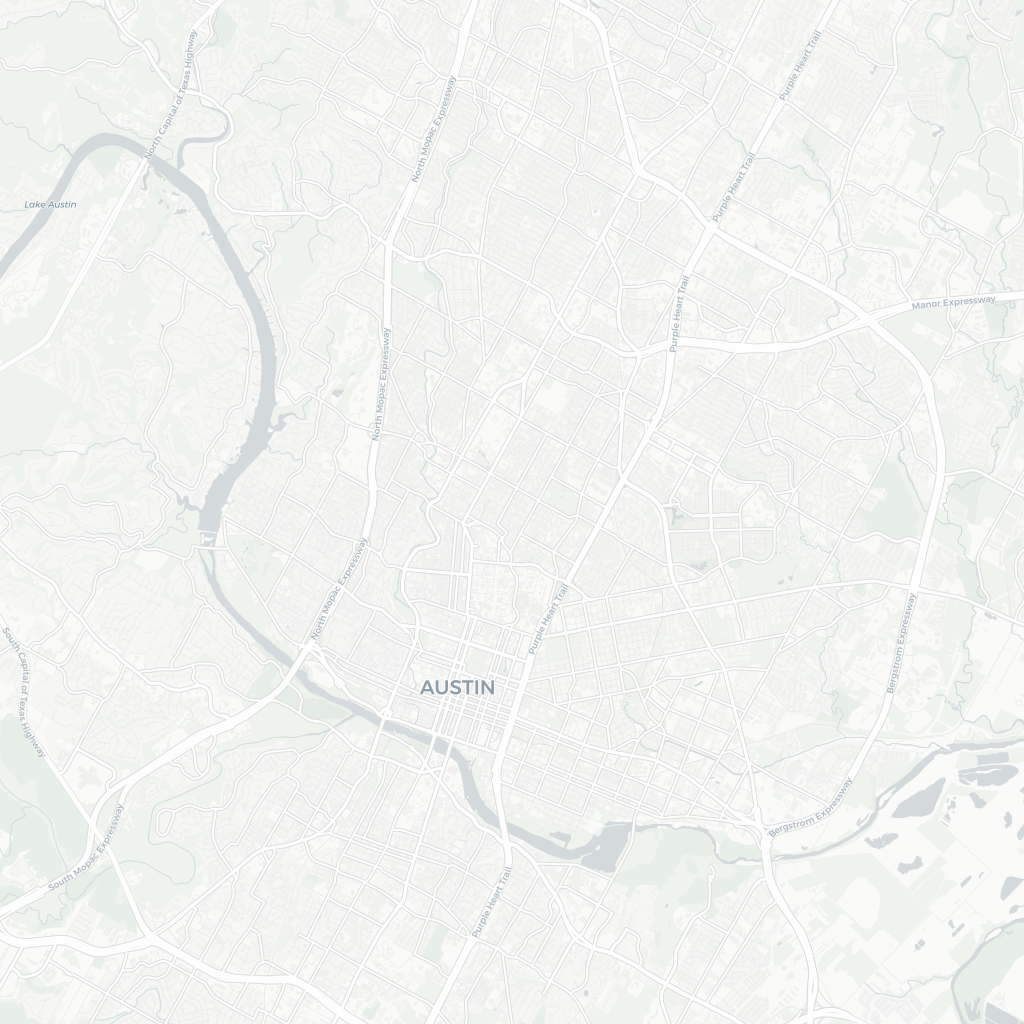
One pin per stop, numbered in driving order, with each technician’s route drawn in their own color. Start point in green, jobs in sequence. Click any pin for the address and arrival time.
Marcus Lee
2/5 Jobs · 1 hr 25 mins · 38.40 miles
ACME Corp
Estimated Arrival Time: 9:10 AM
Marina Heights
Estimated Arrival Time: 10:25 AM
Sunrise Café
Estimated Arrival Time: 11:40 AM
Lim Holdings
Estimated Arrival Time: 1:15 PM
Tan Residence
Estimated Arrival Time: 2:30 PM
02 Route optimization savings
Less driving. More billable stops.
See the day before and after we optimize it — same jobs, fewer miles. Cut drive time and fuel, and fit one more stop into a route that looked full. Every saved mile is a mile your tech spends on the clock, not on the road.
Drive time
2 hrs 14 mins→1 hr 25 mins
Distance
61.20 miles→38.40 miles
Stops/day
5→6
03 Dynamic route recalculation
A job lands at 10am. The route fixes itself.
Add an emergency call, move a visit, or reorder a stop and FieldCamp re-sequences the route around it — without breaking the rest of the day. Routing is one input to the AI Dispatcher, which also weighs skills, capacity, and time windows. Re-optimize one tech or the whole board.
Before
ACME Corp
9:10 AM
Marina Heights
10:25 AM
Sunrise Café
11:40 AM
After
ACME Corp
9:10 AM
Bedok Emergency
10:05 AM
Marina Heights
11:15 AM
Sunrise Café
12:30 PM
Re-sequenced around the new stop — skills, capacity, and time windows checked. Driver Time: +22 mins.
04 Route planning features
Every route optimization feature, on one platform.
Multi-stop sequencing is the core. Around it: a live map, GPS tracking, customer ETAs, and an AI Dispatcher that places the work — all on the same board.
18% less drive time vs manual
Routing engine
- Multi-stop route sequencing
- Drive-time & fuel reduction
- Skill, capacity & time-window aware
- One tech, a crew, or the whole board
- Custom start / end point per tech
- Re-optimize when the day changes
Map & visibility
- Map view with technician pins
- Numbered stops in driving order
- Per-technician colored route lines
- Route density by zone
- Click a pin for address & ETA
Next stop · ETA 2:05 PM
GPS & live tracking
- GPS check-in / check-out
- Live technician location
- On-the-way ETAs to the stop
- "Track your tech" share link
- Estimated arrival per visit
→ Assigned to the right tech
Field & customer
- AI Dispatcher assigns the route
- Mobile app, offline-capable
- On-the-way text notifications
- Turn-by-turn handoff to maps
- Recurring & multi-day routes
05 Field service routing
Route planning software that fits how the day actually runs.
01
Routing isn't the whole job.
A shortest-path app doesn't know Priya is the only tech certified for that unit, or that the morning slot is already full. We optimize the route and respect skills, capacity, and time windows together.
02
The day never goes to plan.
An emergency call comes in, a customer reschedules, a tech runs long. Reorder a stop or drop in a job and the route re-sequences around it — no rebuilding the morning by hand.
03
Your customer sees the tech coming.
GPS check-in, a live location, an on-the-way text with an ETA, and a track-your-tech link. Fewer "where are they?" calls, fewer missed appointments.
06 Field service software platform
Routing is one piece. The rest fits the same way.
Every feature is configured around your business — and connected to the same data. Take the whole platform, or just the part you need.
07 Route planning software FAQ
Route planning software — questions, answered.
What is route optimization software?
Route optimization software calculates the most efficient order to visit a set of stops, so technicians drive less and fit more work into the day. Good field service route optimization software does more than draw the shortest line — it sequences multi-stop routes while respecting each technician’s skills, capacity, and the customer’s time window, shows the result on a map, and re-optimizes when the day changes. FieldCamp does all of this as part of its AI Dispatcher.
How much drive time can route optimization save?
Field service teams typically cut drive time and mileage by 15–30% with optimized multi-stop routing versus planning by hand. Less driving means lower fuel costs and room for an extra stop or two on routes that looked full — which is why the savings show up on both expenses and revenue.
Does the route recalculate when a job is added?
Yes. When you add an emergency call, move a visit, or reorder a stop, FieldCamp re-sequences the affected route around it without breaking the rest of the day. You can re-optimize a single technician or the entire board, and the AI Dispatcher weighs skills, capacity, and time windows alongside drive time.
Can I see technicians and routes on a map?
Yes. The map view shows one pin per stop, numbered in driving order, with each technician’s route drawn in their own color. The start point is marked, and clicking any pin shows the address and estimated arrival time. You also get a route-density view to see where work is clustered.
Does FieldCamp include GPS and live tracking?
Yes. Technicians check in and out with GPS, you can see their live location on the map, and customers get an on-the-way text with an ETA plus a “track your tech” link. Each visit shows an estimated arrival time so dispatch and customers always know what’s next.
Is route optimization good for HVAC and plumbing?
Yes. HVAC, plumbing, cleaning, pest control, electrical, and landscaping teams all run multi-stop days where the right tech has to reach the right job inside a promised window. FieldCamp’s route optimization is built for exactly that — skills-aware sequencing, emergency-call recalculation, and live tracking — for commercial and residential work alike.
Want routing built around your shop?
Book a fifteen-minute call. We’ll map how your day runs today and configure the routing, the map, and the AI Dispatcher around it.
No demo deck. Just your business and ours.