
Never Miss Anything Again with
FieldCamp’s Checklists Service
Consistency starts with FieldCamp’s AI-driven digital checklists field service software helps your technicians follow every step, from job start to sign-off, right from their phones.
Trusted by





The Smarter Way to Guide Technicians Through Every Job
Custom Checklists
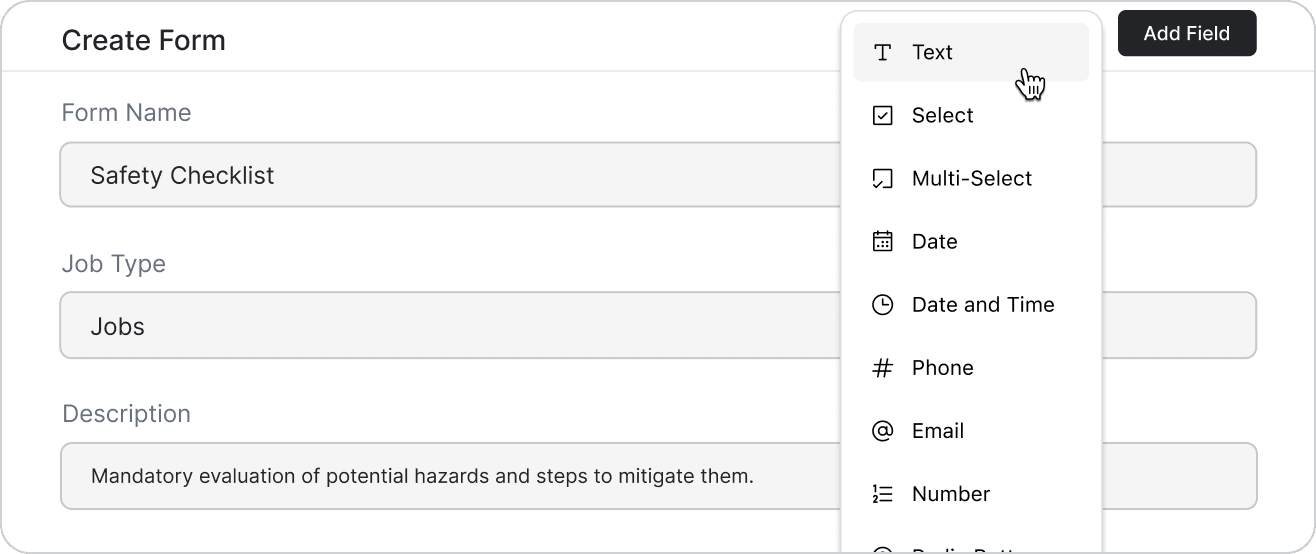
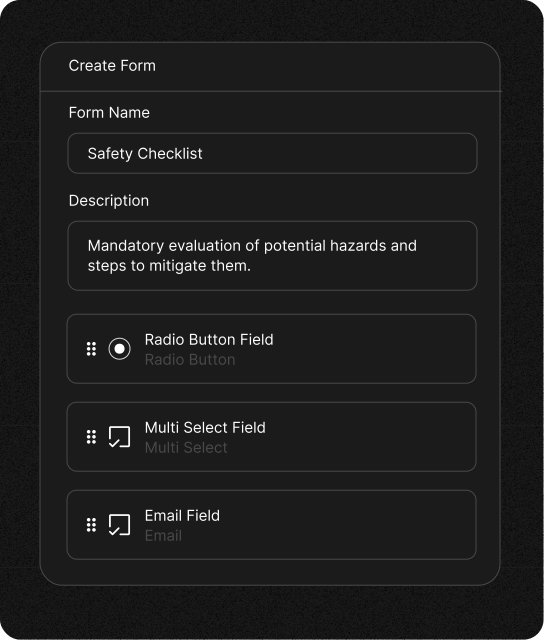
Build checklists that match your exact process, not someone else’s. Drag, drop, and tailor each step so every job follows the workflow your team already knows.
Mobile Checklists
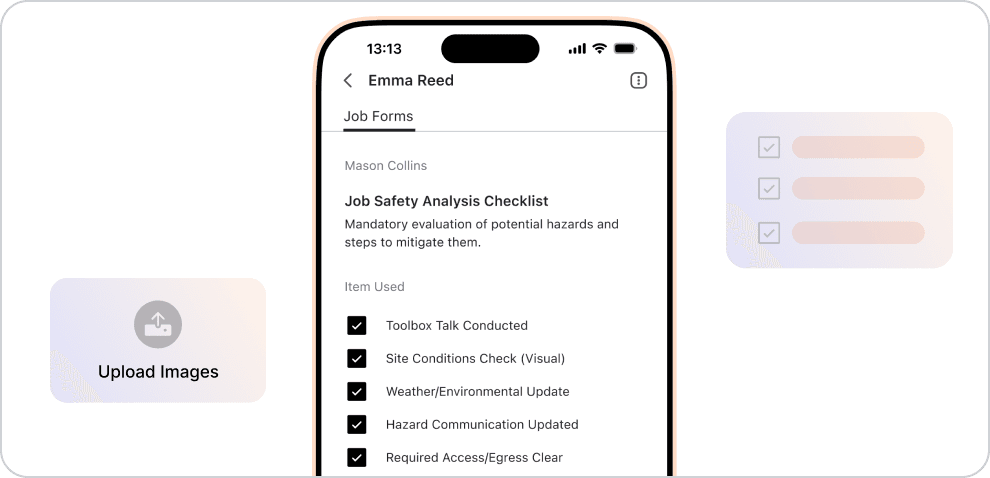
Technicians complete tasks, upload files, and capture proof right from the field. Everything updates automatically, so work never waits on a connection.
Every Step Tracked
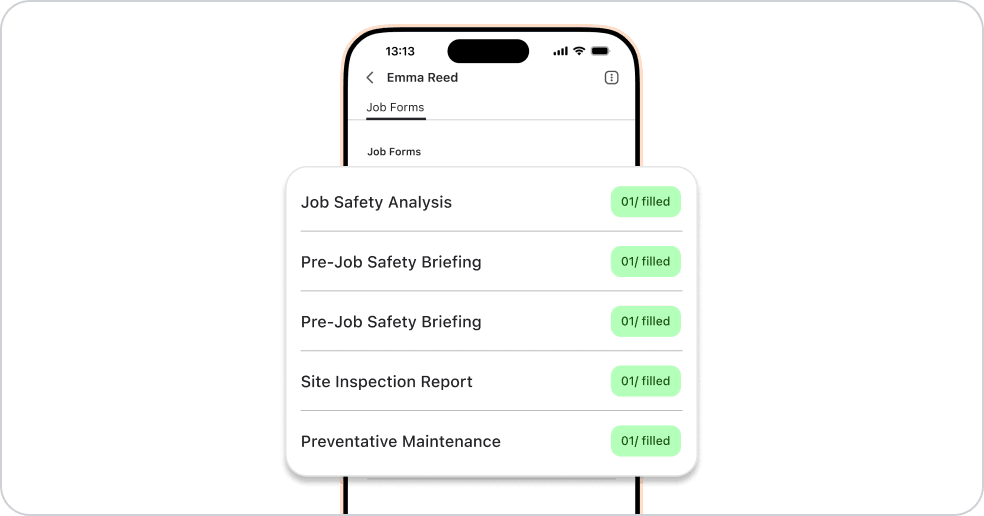
See progress live with timestamps, notes, photos, and validations synced instantly. You always know what’s done, what’s pending, and where a job may need attention.

A Clear Shift From Paper and Panic to Digital and Done Right
Before, you worried about missing forms, unclear steps, and lost updates. Now, FieldCamp keeps every step organized, validated, and synced automatically.
Paper and Panic

Checklists are lost between job sites or left in the van
Techs are guessing steps when forms aren’t clear
Managers chasing updates through calls and texts
Incomplete records make audits and follow-ups painful

Digital and Done Right
Smart checklists auto-attach to every job for total consistency
Technicians record photos and signs right from the field
Real-time updates show progress the moment it happens
Every job ends with proof, precision, and peace of mind
Features Built for Reliable Field Service Execution
Get the tools that keep every job consistent, organized, and easy for your team to complete.
Create Once, Use Everywhere
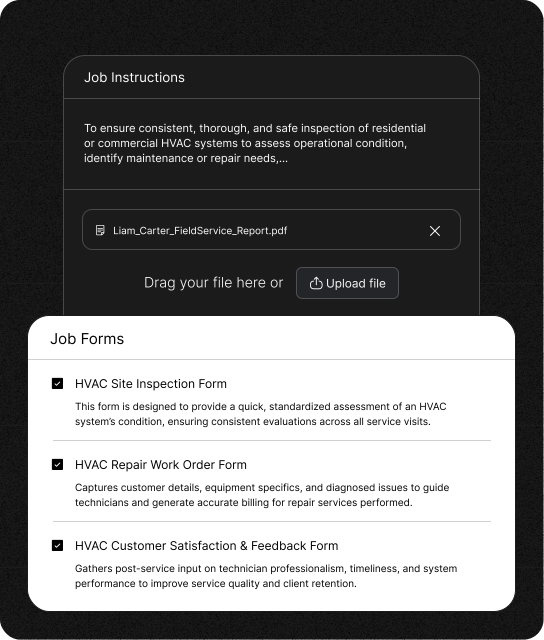
Turn your best workflow into reusable templates for installs, repairs, inspections, and more. Copy, tweak, and deploy checklists instantly so every new job starts ready.
Stay Updated in Real Time
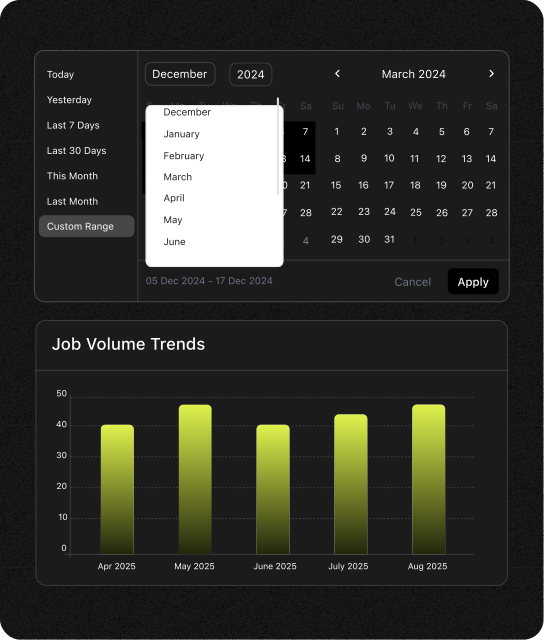
Every completed step syncs instantly to your dashboard. See exactly who’s doing what and how close each job is to completion.
Capture Everything That Matters
Photos, notes, readings, signatures, everything fits neatly into your digital checklist. Technicians upload proof directly from their phones for complete job records.
Ensure Accuracy with Built-In Logic
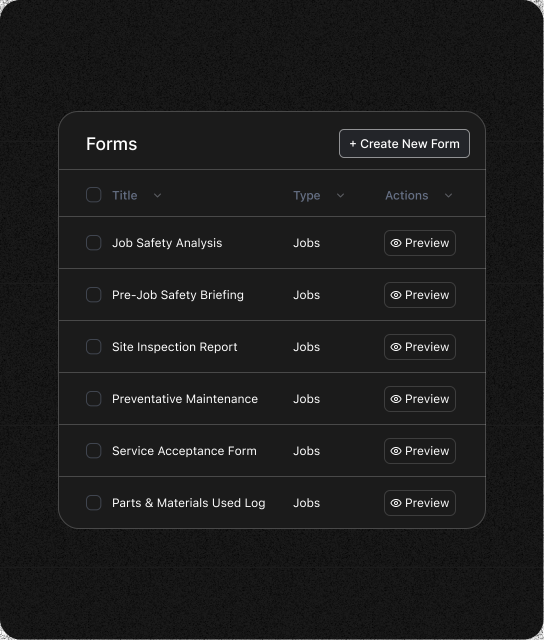
Add required fields, conditional steps, and automatic validations. Jobs can’t be closed until every critical step is complete, accuracy built in, not added later.
Frequently Asked Questions
Unlock efficient growth with one platform that automates scheduling, routing, enrichment, and intent workflows.
How does FieldCamp ensure checklist accuracy and compliance?
FieldCamp makes accuracy automatic. Every form includes required fields, photo proof, and timestamps. Technicians can’t close a job until all steps are done, ensuring complete documentation and compliance.
Which industries benefit most from using FieldCamp checklists?
FieldCamp is ideal for HVAC, plumbing, electrical, cleaning, property maintenance, and construction businesses, any field team that needs repeatable, step-by-step service workflows done right every time.
Can FieldCamp integrate with tools like QuickBooks or Google Drive?
Yes. FieldCamp connects with Gmail, QuickBooks, and Google Calendar. It keeps your job data, invoices, and checklists synced automatically, so your team never has to re-enter details across tools.
How quickly can field technicians start using digital checklists?
Right away. FieldCamp’s setup takes minutes without coding, training sessions. Just drag, drop, and your technicians can start completing digital checklists on their mobile devices instantly.
Because every job deserves a flawless finish.
Track steps, proofs, and signatures with digital checklists built for precision and peace of mind.
